Red Icon Not Appearing When Apple Watch is Not Connected to iPhone

Hello,


I recently acquired my first Apple Watch with Cellular and I have noticed that when the red “iPhone disconnected” icon when my iPhone is not in Bluetooth range. I do not currently have a plan for my Apple Watch so the cellular doesn’t work and it is frustrating expecting internet-based features to work and having them fail because my iPhone isn’t close enough without realizing. Is there a setting I can change to bring the icon back or is that a weird “consequence” of using a cellular Apple Watch with no plan?

Posted on Jul 24, 2022 7:16 PM

Reply
4 replies

Jul 25, 2022 7:56 AM in response to Community User

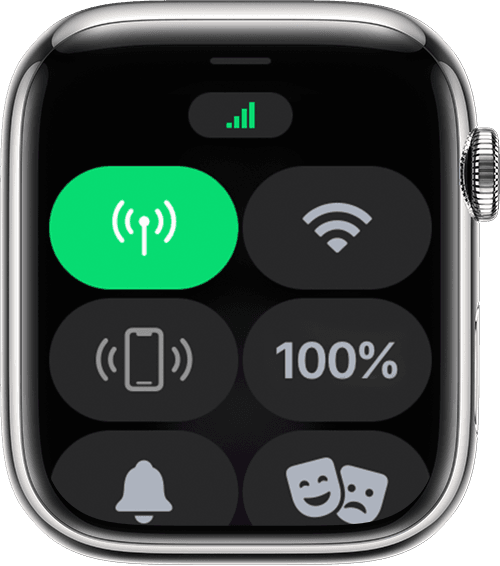
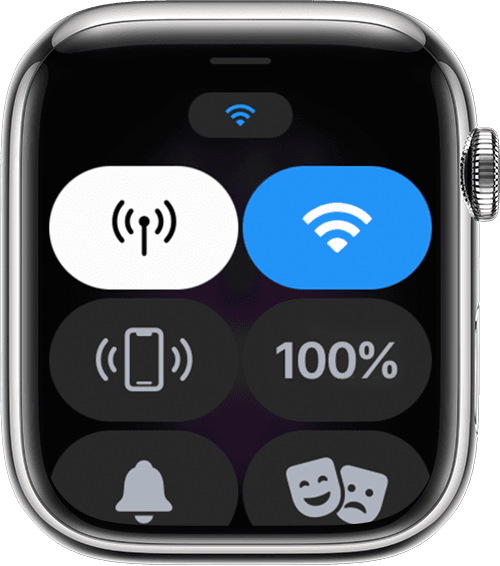
You seem to be completely missing the point of what I am asking, but thankfully I found a diagram to help explain.


The image on the right shows a red iPhone icon representing that the iPhone is not nearby. This icon also appears on the top of your watch face when the iPhone is not in Bluetooth range. For some reason, when my Watch isn’t connected to my iPhone, this icon does not appear.

Instead, I have no iPhone icon at all, which I have never seen before.

This thread has been closed by the system or the community team. You may vote for any posts you find helpful, or search the Community for additional answers.

Red Icon Not Appearing When Apple Watch is Not Connected to iPhone

Welcome to Apple Support Community
A forum where Apple customers help each other with their products. Get started with your Apple Account.