
AirTag Notifications
The Find My app keeps auto adding exceptions the the “Notify when left behind”. These are locations I frequent but I still wish to be notified if I leave the items behind.
Is there anyway to disable this feature?
iPhone 12
The Find My app keeps auto adding exceptions the the “Notify when left behind”. These are locations I frequent but I still wish to be notified if I leave the items behind.
Is there anyway to disable this feature?
iPhone 12
Hello Stephen Spar,
Thank you for reaching out to Apple Support Communities, and we'll be happy to help in any way we can. We understand you're having issues with "Notify When Left Behind". For the best information about this feature, check out the article listed here: Set up and use Notify When Left Behind in the Find My app - Apple Support
"See where you left your device
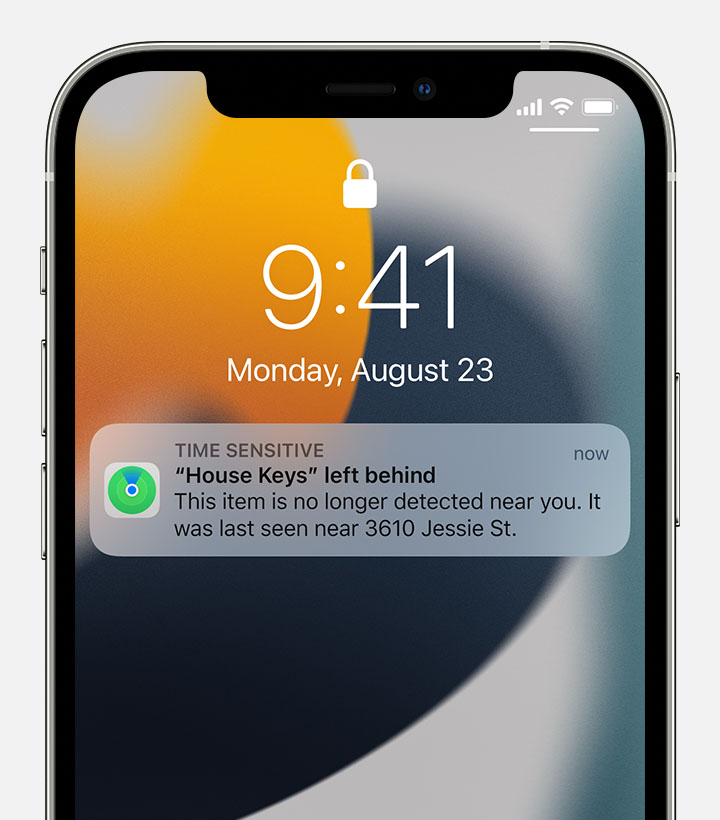
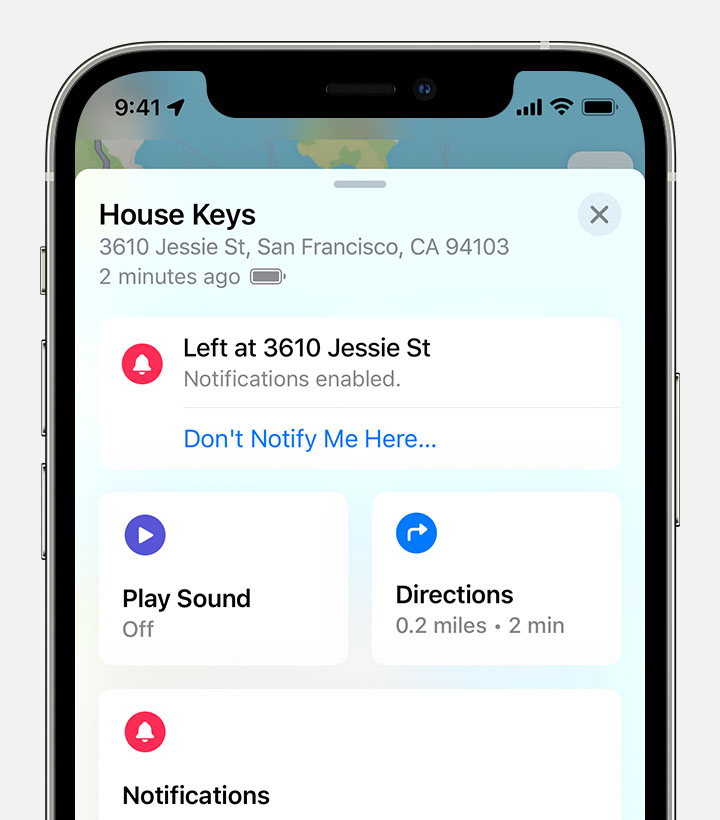 From the Find My app you can:
* For AirPods left inside their case, you can only see Notify When Left Behind notifications for up to 24 hours.
Add locations where you don't want to be notified
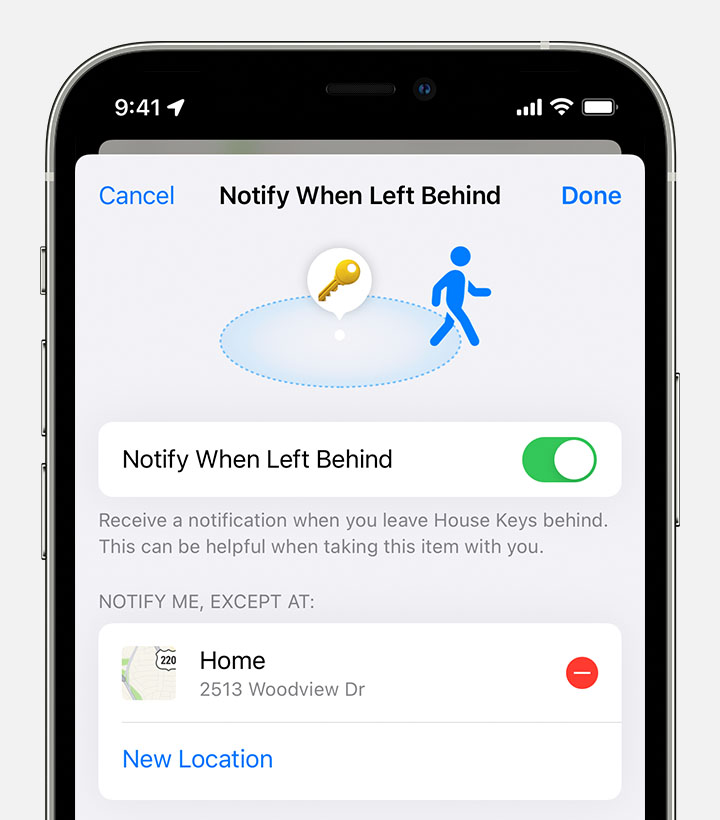 From here you can:
 next to a location where you want to be notified when something's left there."
We hope this helps.
Cheers!
AirTag Notifications

