
Transfer messages to new iPhone
h
h
Hello Thankyoush,
Thank you for reaching out to Apple Support Communities, and we'll be happy to help in any way we can. We understand you're having issues with tranferring messages to your new iPhone. To start, try the process here to transfer your data:
Use Quick Start to transfer data to a new iPhone, iPad, or iPod touch - Apple Support
"Set up your new device with Quick Start
Quick Start occupies both devices, so make sure that you choose a time when you won't need to use your current device for several minutes.
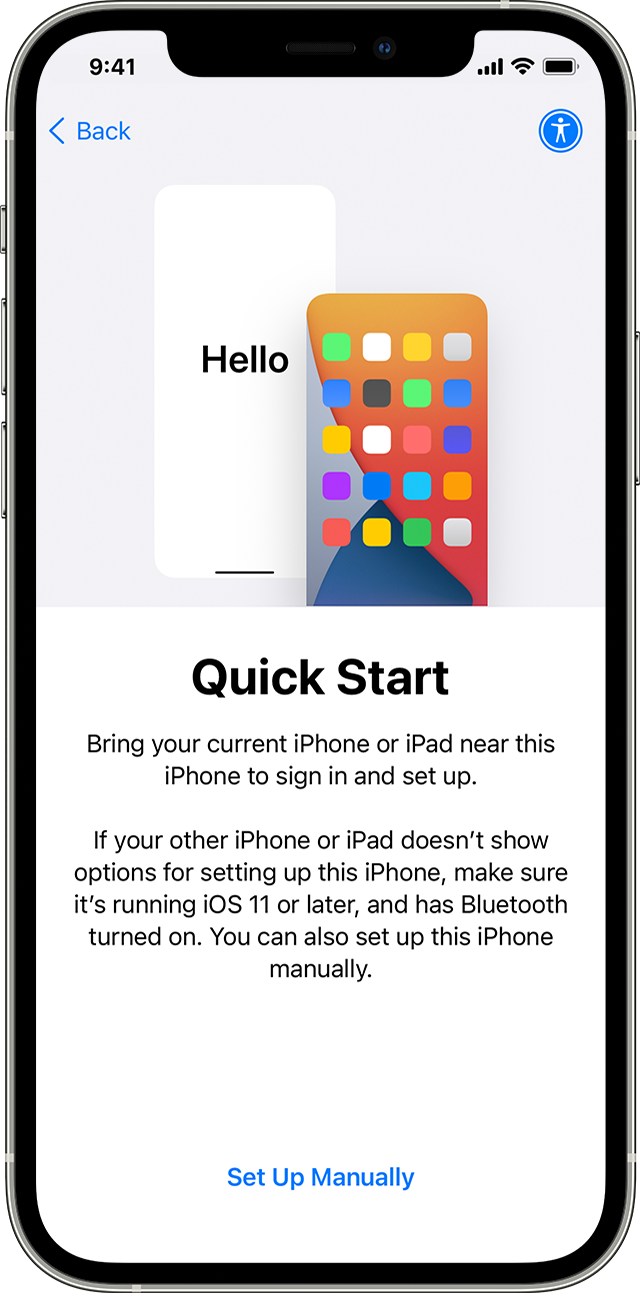
Keep your devices near each other and plugged in to power until the data migration process is complete. Transfer times can vary based on factors such as network conditions and the amount of data being transferred."
You can also use onr of these methods: Transfer data from your previous iOS or iPadOS device to your new iPhone, iPad, or iPod touch - Apple Support:
We hope this helps.
Cheers!
Hello Thankyoush,
Thank you for reaching out to Apple Support Communities, and we'll be happy to help in any way we can. We understand you're having issues with tranferring messages to your new iPhone. To start, try the process here to transfer your data:
Use Quick Start to transfer data to a new iPhone, iPad, or iPod touch - Apple Support
"Set up your new device with Quick Start
Quick Start occupies both devices, so make sure that you choose a time when you won't need to use your current device for several minutes.
Keep your devices near each other and plugged in to power until the data migration process is complete. Transfer times can vary based on factors such as network conditions and the amount of data being transferred."
You can also use onr of these methods: Transfer data from your previous iOS or iPadOS device to your new iPhone, iPad, or iPod touch - Apple Support:
We hope this helps.
Cheers!
Transfer messages to new iPhone

