MacBook Air M2, Extended display

The Air is driving an elderly monitor (1920x1080) very nicely.


When I make the extended display active the menu line and the dock come up on the extended display as they should. But the icons showing connected drives and icons for folders/files in the desktop do not move to the extended display.


On my 2015 MacBook Pro, they do move. Both units latest Monterey.


Looks like something got lost in generating the M2 version.


TIA for any help or explanation.

MacBook Air Apple Silicon

Posted on Sep 5, 2022 10:02 AM

Reply
Question marked as Top-ranking reply

Posted on Sep 5, 2022 10:56 AM


stcmss wrote:

Hi, Phil. I understand the difference between mirroring and extended and use both as necessary.

The question is as stated: the icons on the Air display remain there - they do not move to the extended display when I make it active. But they do on the Intel machine with the same software.

O


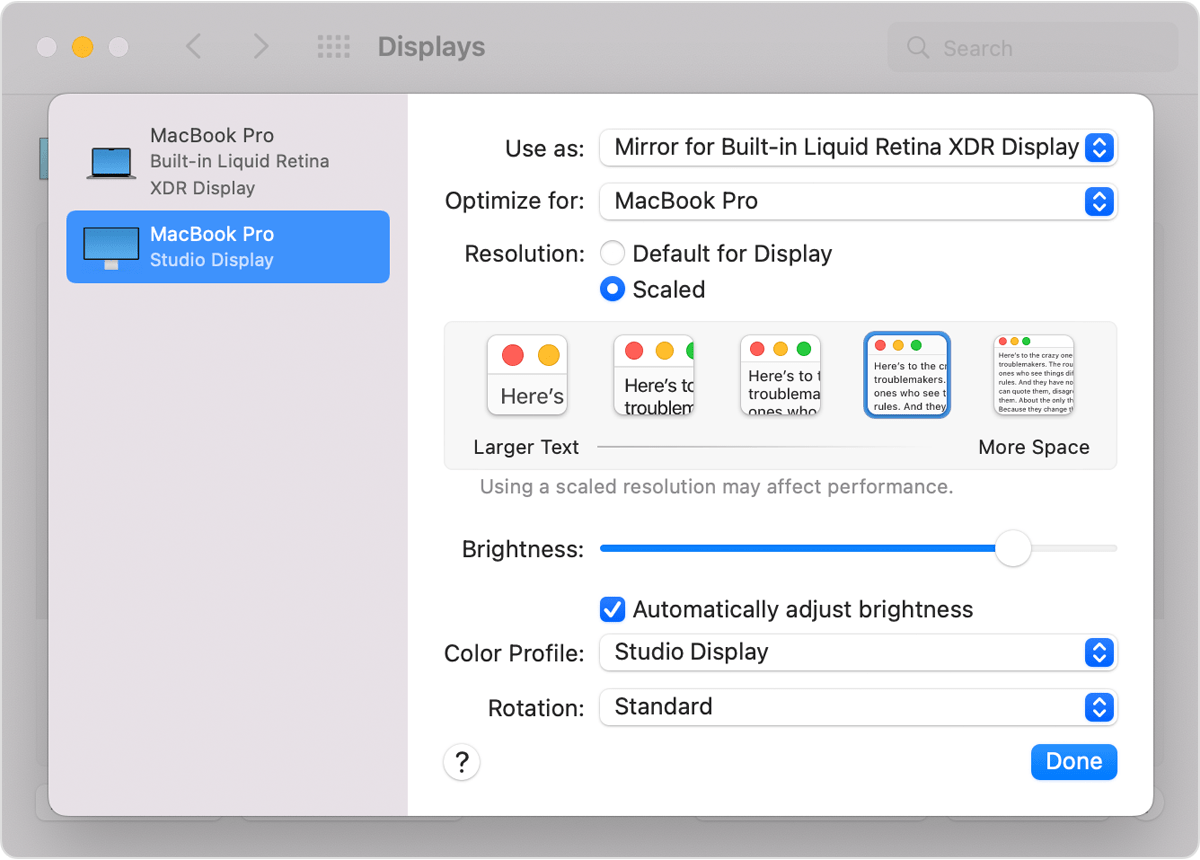
That is the expected behavior in extended mode unless you have the external display set to "Main Display" from the drop-down.

The "Main Display" will hold desktop icons and the dock.


Similar questions

3 replies
Question marked as Top-ranking reply

Sep 5, 2022 10:56 AM in response to stcmss


stcmss wrote:

Hi, Phil. I understand the difference between mirroring and extended and use both as necessary.

The question is as stated: the icons on the Air display remain there - they do not move to the extended display when I make it active. But they do on the Intel machine with the same software.

O


That is the expected behavior in extended mode unless you have the external display set to "Main Display" from the drop-down.

The "Main Display" will hold desktop icons and the dock.


Sep 5, 2022 10:22 AM in response to stcmss

There are 2 different modes to use an external monitor. Mirroring and Extended.

Mirroring shows the same thing on both devices. windows, icons docks and identical.


Extended adds desktop space to move windows to, but does not move icons and the dock as its extending the desktop not mirroring the screen.


In extended mode windows can be on different screens and are to duplicated lire with mirroring.


If you want it to be mirrored open System Preferences->Displays->Display Settings->"External Display", and select the Mirrored option from the "Use as" dropdown.


Link-> Use one or more external displays with your Mac - Apple Support


This thread has been closed by the system or the community team. You may vote for any posts you find helpful, or search the Community for additional answers.

MacBook Air M2, Extended display

Welcome to Apple Support Community
A forum where Apple customers help each other with their products. Get started with your Apple Account.