Hello Holdz.
To ensure that we're coving all of our bases, are you completing these steps:
You can undo a recently sent message for up to two minutes after sending it.
Touch and hold the message bubble, then tap Undo Send.
A note confirming that you unsent the message appears in both conversation transcripts: yours and your recipient’s.
If the person you’re messaging is using a device with iOS 16 or later, unsending removes the message from their device.
If the person you’re messaging is using a device with iOS 15.6 or earlier, iPadOS 15.6 or earlier, macOS 12 or earlier, or is using SMS, the original message remains in the conversation. When you unsend a message, you’re notified that the recipient may still see the original message in the message transcript.
More info here: Unsend and edit messages on iPhone
If you continue to experience the same behavior, we'd like to provide you with a few steps that may help resolve the issue:
• Close the Message app: Quit and reopen an app on iPhone
• Restart your iPhone:
1. Press and hold either volume button and the side button until the power-off slider appears.
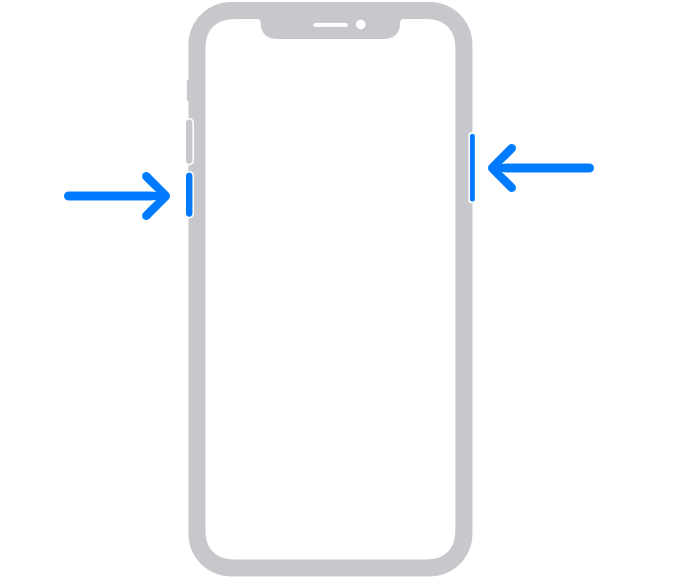
2. Drag the slider, then wait 30 seconds for your device to turn off. If your device is frozen or unresponsive, force restart your device.
3. To turn your device back on, press and hold the side button (on the right side of your iPhone) until you see the Apple logo.
Let us know if this helps.
Have a wonderful day!


