i set up a family share. now would like to change the screen saver on that screen

I set up a separate profile on new iMac for spouse. Now I would like to change screen saver on the screen where I have the my account, his account, and guest user icons.. i canchange individual profile screen savers


iMac (24-inch, M1, 2021, 2 ports)

Posted on Sep 17, 2022 5:08 PM

Reply
1 reply

Sep 21, 2022 8:22 AM in response to TEH101

Greetings TEH101,


Wallpaper and screen saver preferences are changed in each user account. These articles will guide you:


Customize the desktop picture on your Mac - Apple Support


"Change your desktop picture from System Preferences

  1. Choose Apple menu  > System Preferences.
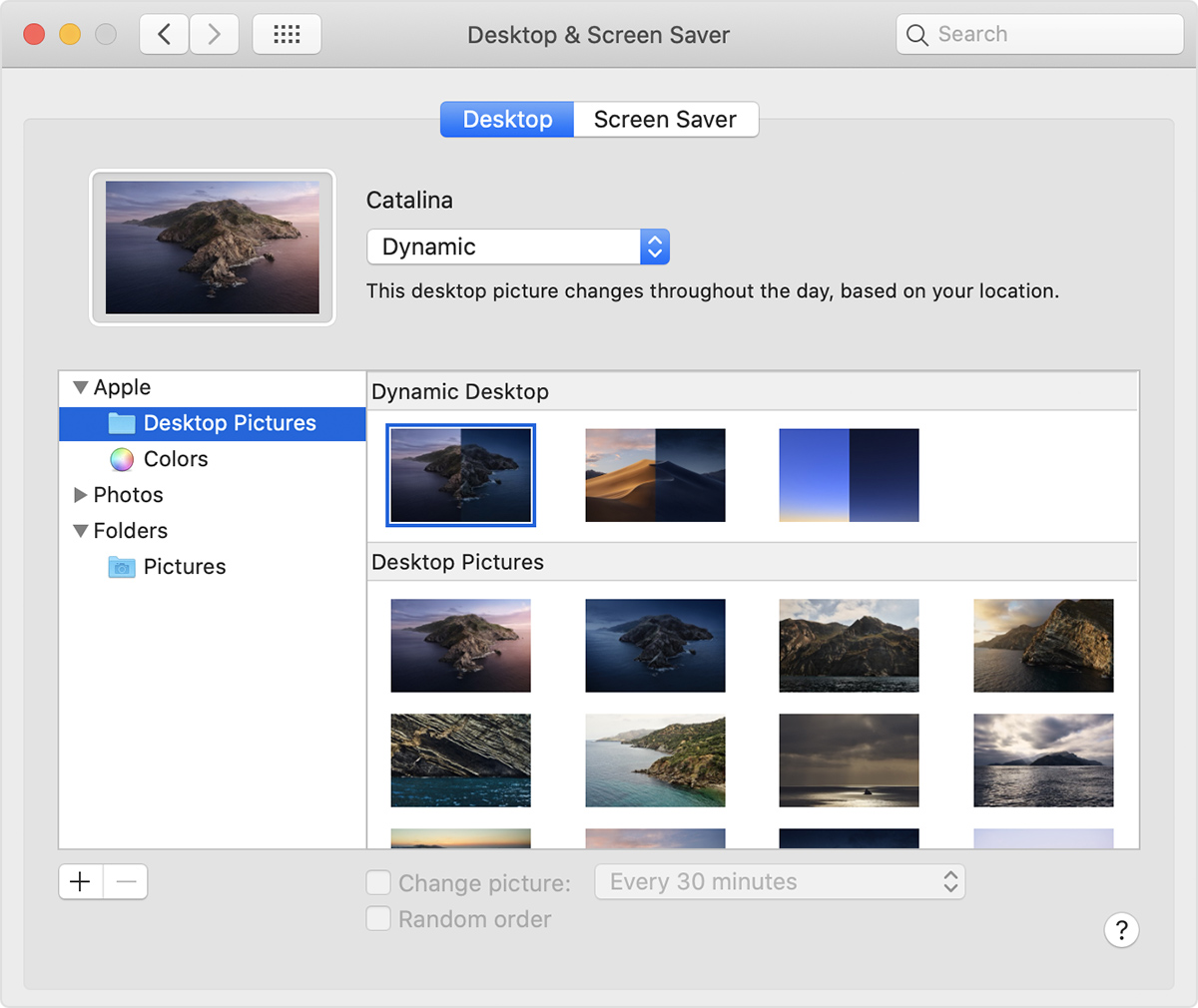
  2. Click Desktop & Screen Saver.
  3. From the Desktop pane, select a folder of images on the left, then click an image on the right to change your desktop picture.

In macOS Mojave or later, you can also choose from Dynamic Desktop images, which automatically change throughout the day based on the time of day in your location."


Change Screen Saver preferences on Mac - Apple Support


Take care.


This thread has been closed by the system or the community team. You may vote for any posts you find helpful, or search the Community for additional answers.

i set up a family share. now would like to change the screen saver on that screen

Welcome to Apple Support Community
A forum where Apple customers help each other with their products. Get started with your Apple Account.