Right airpod not working properly
Right airport is not working properly, I got new right earpod after that it is still having a issue and sometimes there's a connectivity issue, Mic is not working properly and sometimes it's not playing anything.
Right airport is not working properly, I got new right earpod after that it is still having a issue and sometimes there's a connectivity issue, Mic is not working properly and sometimes it's not playing anything.
Hello Rahul7890,
Welcome to Apple Support Communities!
If we understand your post correctly, you're having an issue with your right AirPod with connectivity, mic not working, and sometimes it doesn't work at all. We're here to help!
Did you reset up your AirPods after receiving the replacement?
Set up your AirPods or charging case
On your iPhone, iPad, or iPod touch, go to Settings > Bluetooth and tap the Information buttonnext to your AirPods.
Tap Forget This Device.
Tap Forget Device, and tap again to confirm.
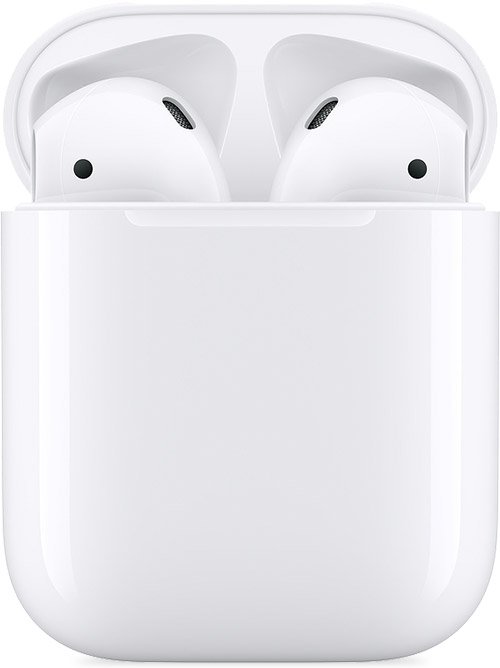
Put both AirPods in your charging case.
Open the lid and check the status light. It should flash amber.
Press and hold the setup button on the back of the case for a few seconds. The status light should flash white.*
Go to the Home Screen on your iPhone, iPad, or iPod touch.
Open the case—with your AirPods inside—and hold it next to your iPhone, iPad, or iPod touch. A setup animation appears on your screen.
Tap Connect, then tap Done.
* If the status light still flashes amber, connect the case to power, close the lid, and wait 20 minutes. Then open the lid and press and hold the setup button again for a few seconds until the status light flashes white.
Set up your replacement AirPods or charging case - Apple Support
If it has been set up then let's move forward and follow these steps:
If there's no sound in one AirPod
Make sure that your charging case is fully charged.
Place both AirPods in your charging case and let them charge for 30 seconds.
Open the charging case near your iPhone or iPad.
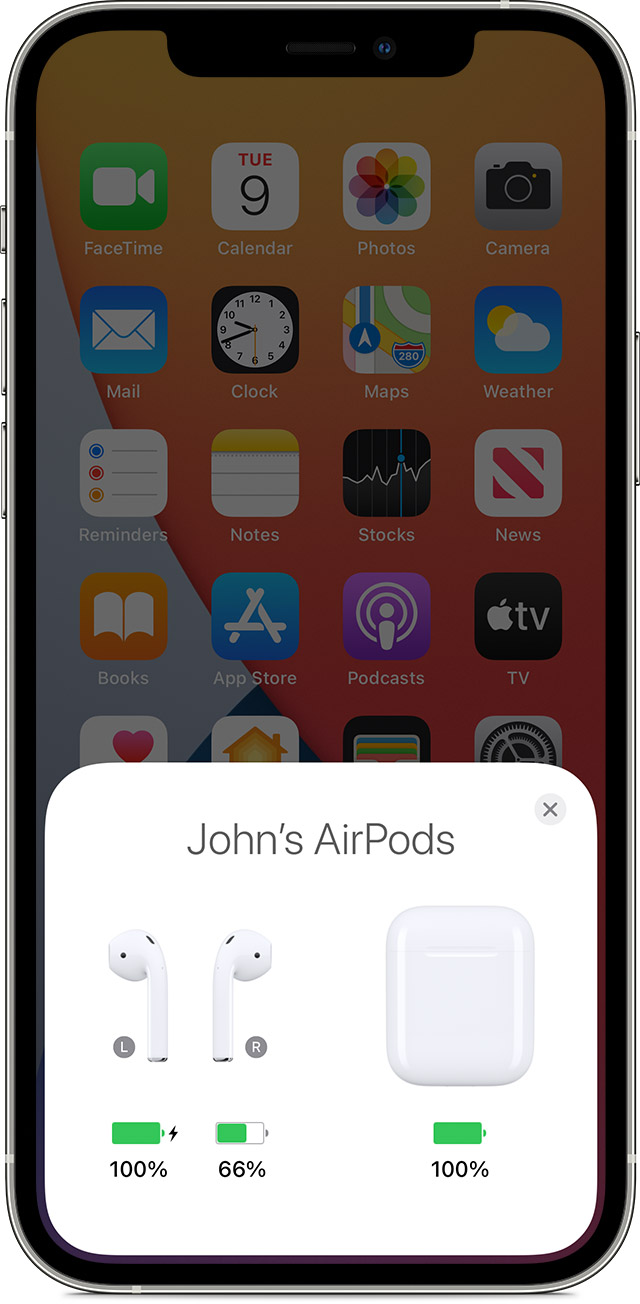
Check the charge status on your iPhone or iPad to make sure that each AirPod is charging.
Put both AirPods in your ears.
Play audio to test both AirPods.
If an AirPod still isn't working, reset your AirPods or contact Apple Support.
If there's low volume in one AirPod
If your left or right AirPod isn't playing any sound, or if the volume is too quiet, follow these steps:
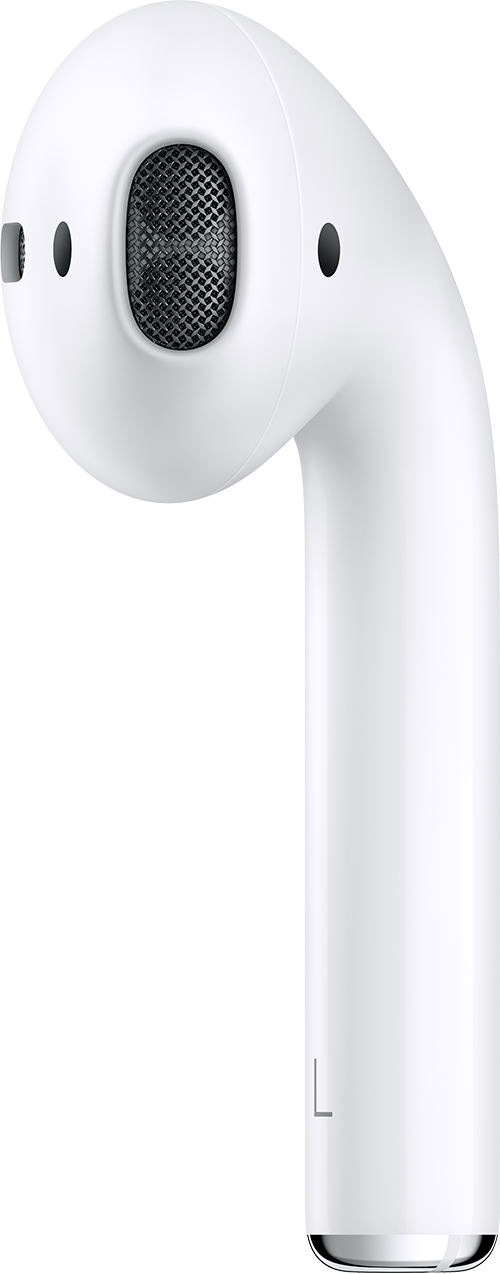
Check the microphone and speaker mesh on each AirPod.
If you see any debris, clean your AirPods using the guidelines in this article, and see if that fixes the issue.
Go to Settings > Accessibility > Audio/Visual > Balance, and make sure that the balance is set in the middle.
If your left or right AirPod isn't working - Apple Support
Thank you for using Apple Support Communities.
Take care!
Hello Rahul7890,
Welcome to Apple Support Communities!
If we understand your post correctly, you're having an issue with your right AirPod with connectivity, mic not working, and sometimes it doesn't work at all. We're here to help!
Did you reset up your AirPods after receiving the replacement?
Set up your AirPods or charging case
On your iPhone, iPad, or iPod touch, go to Settings > Bluetooth and tap the Information button
Tap Forget This Device.
Tap Forget Device, and tap again to confirm.
Put both AirPods in your charging case.
Open the lid and check the status light. It should flash amber.
Press and hold the setup button on the back of the case for a few seconds. The status light should flash white.*
Go to the Home Screen on your iPhone, iPad, or iPod touch.
Open the case—with your AirPods inside—and hold it next to your iPhone, iPad, or iPod touch. A setup animation appears on your screen.
Tap Connect, then tap Done.
* If the status light still flashes amber, connect the case to power, close the lid, and wait 20 minutes. Then open the lid and press and hold the setup button again for a few seconds until the status light flashes white.
Set up your replacement AirPods or charging case - Apple Support
If it has been set up then let's move forward and follow these steps:
If there's no sound in one AirPod
Make sure that your charging case is fully charged.
Place both AirPods in your charging case and let them charge for 30 seconds.
Open the charging case near your iPhone or iPad.
Check the charge status on your iPhone or iPad to make sure that each AirPod is charging
Put both AirPods in your ears.
Play audio to test both AirPods.
If an AirPod still isn't working, reset your AirPods or contact Apple Support.
If there's low volume in one AirPod
If your left or right AirPod isn't playing any sound, or if the volume is too quiet, follow these steps:
Check the microphone and speaker mesh on each AirPod.
If you see any debris, clean your AirPods using the guidelines in this article, and see if that fixes the issue.
Go to Settings > Accessibility > Audio/Visual > Balance, and make sure that the balance is set in the middle.
If your left or right AirPod isn't working - Apple Support
Thank you for using Apple Support Communities.
Take care!
Right airpod not working properly