Hello Cerebellum,
Thanks for posting in the Apple Support Communities.
We understand you signed up for a premium subscription within an app, but unsure of the login credentials to access on a web browser, right?
If an account was set up for you instead of linking to an account, let's check the saved passwords on your iPhone. If the credentials were saved at the time of setting this up, you should be able to locate the username and password. Use the steps below, and you can also view this here: How to find saved passwords and passkeys on your iPhone - Apple Support
View saved passwords and passkeys in Settings
1. Tap Settings, then select Passwords. In iOS 13 or earlier, select Passwords & Accounts, then tap Website & App Passwords.
2. Use Face ID or Touch ID when prompted, or enter your passcode.

3. To see a password or passkey, select a website or app.
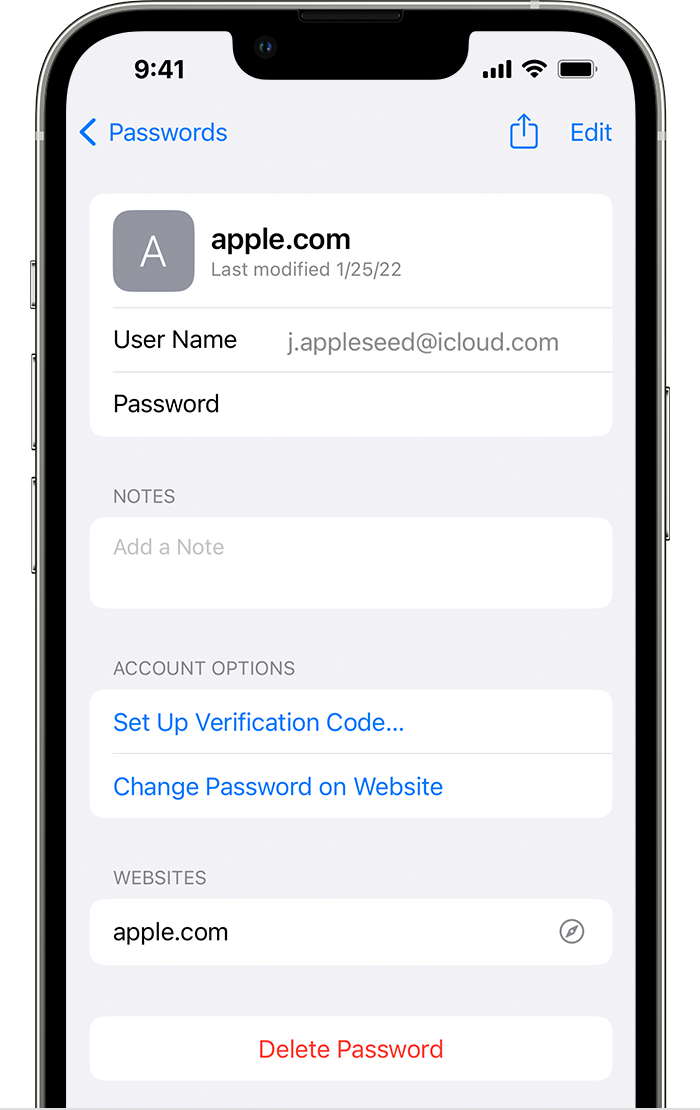
• To delete a saved password or passkey, tap Delete Password or Delete Passkey.
• To update a password or passkey, tap Edit.
If you don't locate any information there, use the steps of the following resource to see if you can locate the app and manage the details to log in: Manage the apps that you use with Sign in with Apple - Apple Support
Let us know if you're able to get this cleared up.
Have a great day!


