
how can I take off desktop items from being backed up on the icloud
help
MacBook Pro 13″, macOS 12.6
help
MacBook Pro 13″, macOS 12.6
Go to System Preferences->iCloud->iCloud Drive->Options->Desktop and Documents Folders, and uncheck the option.
Link-> Add your Desktop and Documents files to iCloud Drive - Apple Support
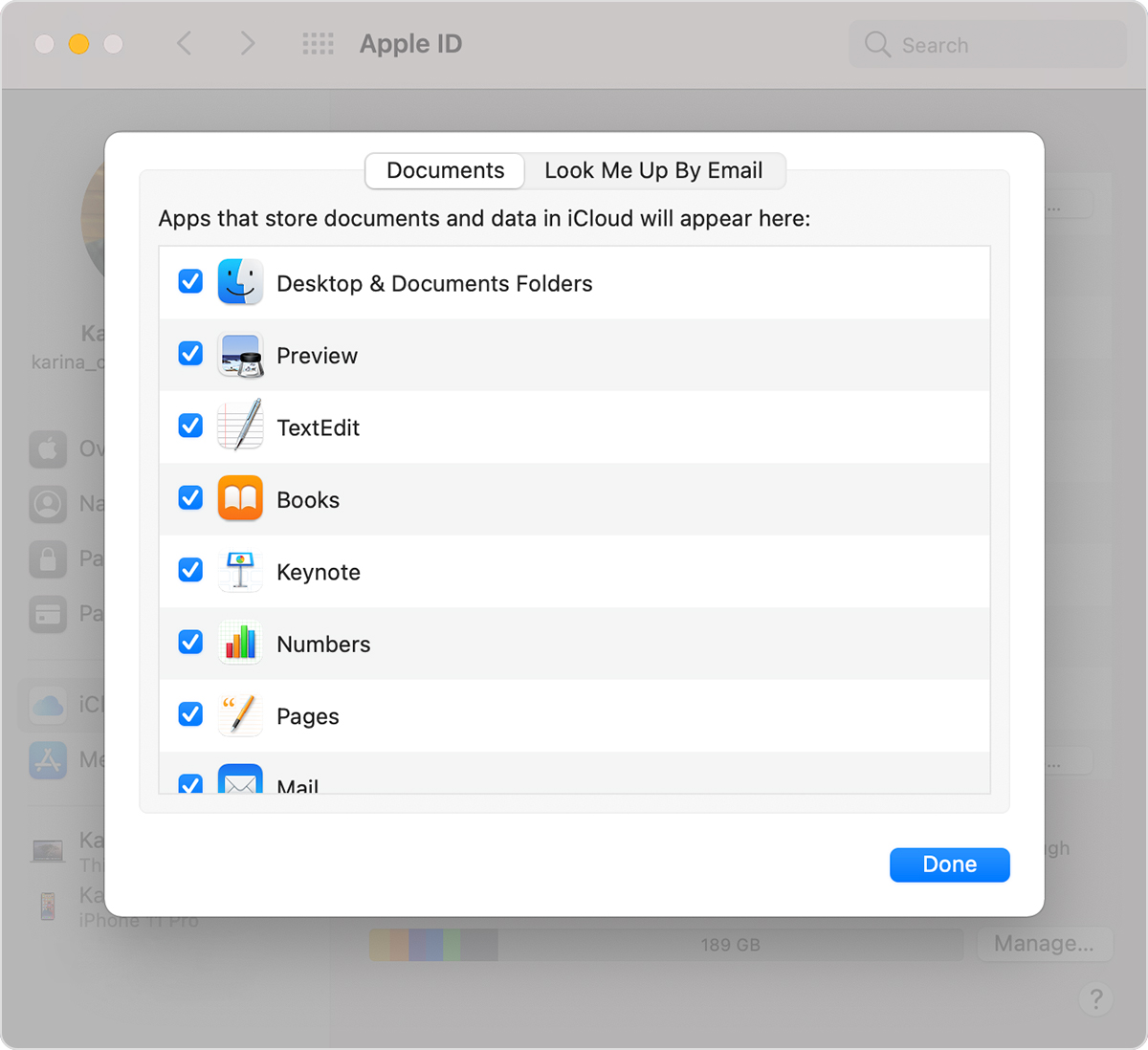
Go to System Preferences->iCloud->iCloud Drive->Options->Desktop and Documents Folders, and uncheck the option.
Link-> Add your Desktop and Documents files to iCloud Drive - Apple Support
It's not clear did you enable iCloud Drive?
how can I take off desktop items from being backed up on the icloud

