Here's how it works
If Apple Watch SE or Apple Watch Series 4 or later detects a hard fall while you're wearing your watch, it taps you on the wrist, sounds an alarm, and displays an alert. You can choose to contact emergency services or dismiss the alert by pressing the Digital Crown, tapping Close in the upper-left corner, or tapping "I'm OK."
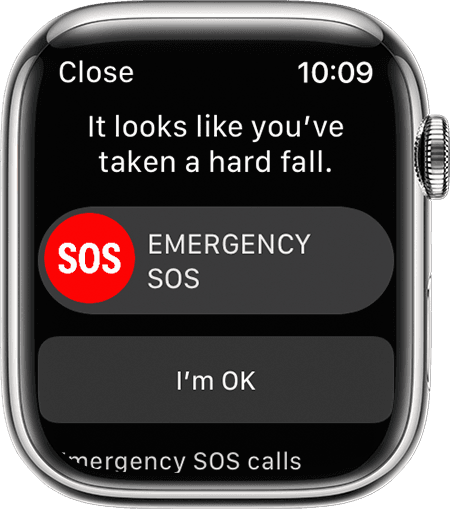
If your Apple Watch detects that you're moving, it waits for you to respond to the alert and won't automatically call emergency services. If your watch detects that you've been immobile for about a minute, it will make the call automatically.
After the call ends, your watch sends a message to your emergency contacts with your location letting them know that your watch detected a hard fall and dialed emergency services. Your watch gets your emergency contacts from your Medical ID.
Use fall detection with Apple Watch - Apple Support
Note that if if have cellular watch it will then call automatically. However, if you only have GPS watch your paired phone has to be within range and connected. If not then no call can be made.


