
Alarm not playing any of my selected music
My iPhone no longer plays my selected song as my alarm, but just defaults to the standard alarm. iOS 16 is installed on my iPhone 13
My iPhone no longer plays my selected song as my alarm, but just defaults to the standard alarm. iOS 16 is installed on my iPhone 13
Hello FirstENoel,
Thanks for choosing the Apple Support Communities. If the songs are iTuens purchases, try following these steps and see if they help.
How to set and change alarms on your iPhone - Apple Support
"How to set and change alarms on your iPhone
Learn how to set, edit, or delete an alarm.

With the Clock app, you can turn your iPhone into an alarm clock. Just open the Clock app from the Home Screen or Control Center. You can also ask Siri to set an alarm for you.
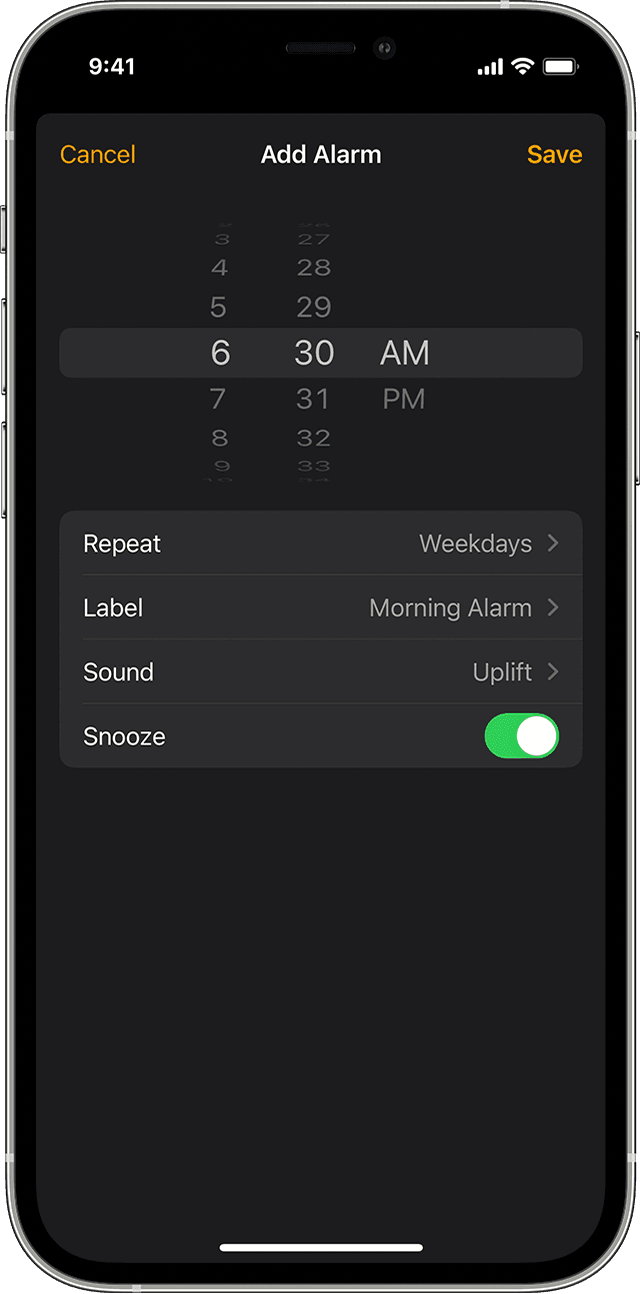
How to set an alarm
 .
.
How to change the alarm's volume
Learn what to do if the alarm volume is too low or quiet.
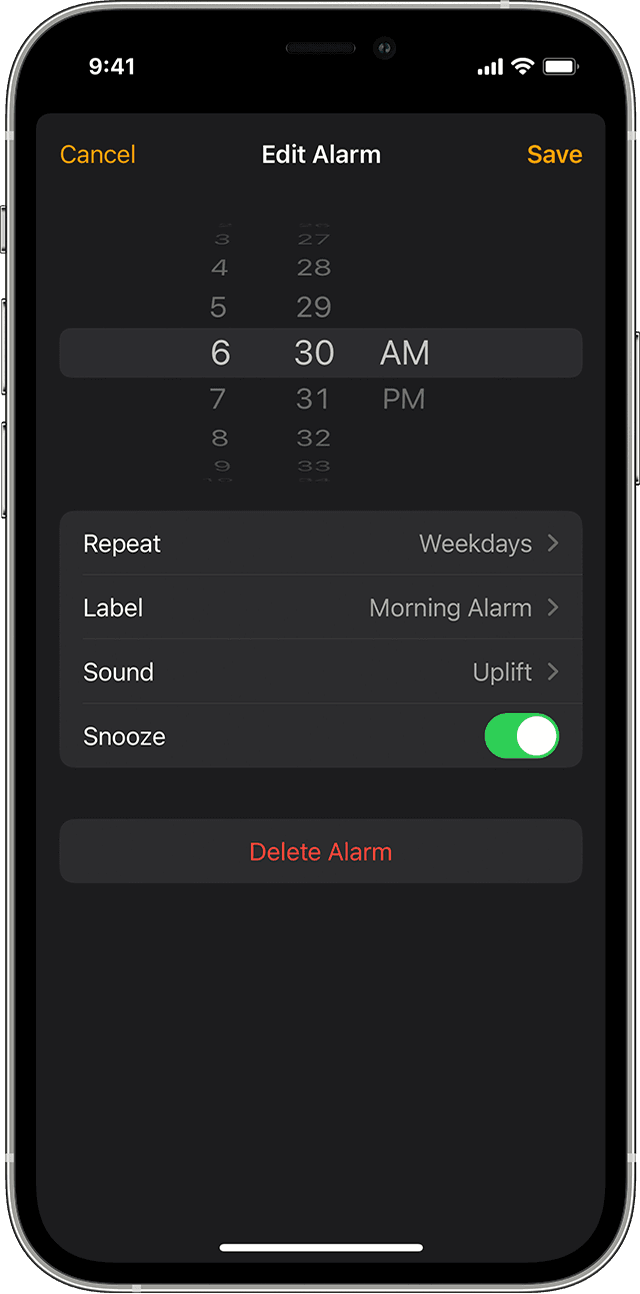
How to edit an alarm
How to delete an alarm
 , then tap Delete.
If the alarm volume is too low or quiet
Do Not Disturb and the Ring/Silent switch don't affect the alarm sound. If you set your Ring/Silent switch to Silent or turn on Do Not Disturb, the alarm still sounds.
If you have an alarm that doesn't sound or is too quiet, or if your iPhone only vibrates, check the following:
Manually adjusting the time on your iPhone in Settings to change app behavior, like game timers, isn't recommended and can affect alarms."
Cheers!
Alarm not playing any of my selected music

