Hey there, and welcome to Apple Support Communities Joankuz,
We can certainly understand your concern and can help provide some insight.
We recommend checking out these steps for more information on how to use group messages with a Mac and see if they match up with your procedures.
" Send a message to a group or business on Mac
You can send messages to a group that meets these requirements. If you’re using macOS 10.15 or later, iOS 13 or later, or iPadOS 13 or later, you can send messages to businesses.
Messages you send to a group or a business can include the same attachments and effects you can send to an individual person:
Send a message to a group
- In the Messages app
 on your Mac, click the Compose button
  to start a new message (or use the Touch Bar).
 - In the To field, type the name, email address, or phone number for every person you want to send a message to. As you type, Messages suggests matching addresses from your Contacts app
 or from people you’ve previously sent messages to.
You can also click the Add button  to the right of the To field. Click a contact in the list, then click the email address or phone number.
Note: If you’re restricted to sending and receiving messages with only certain people, an hourglass icon  appears next to those people you can’t send messages to.
3. Enter your message in the field at the bottom of the window. You can use typing suggestions, if available.
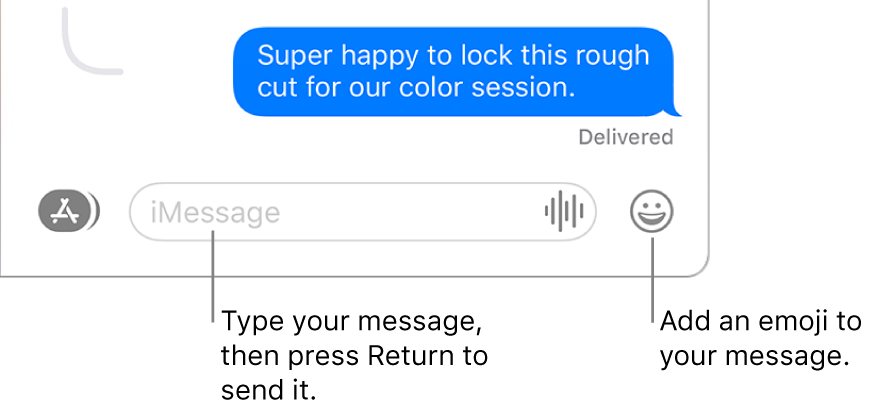
4. Press Return on your keyboard or click the Send button  to send the message. "
For additional information, check out this link: Send a message to a group or business on Mac - Apple Support
Kindest regards!


