How can I retrieve my email password
How can I retrieve my email password
iPhone 14 Pro Max, iOS 16
How can I retrieve my email password
iPhone 14 Pro Max, iOS 16
Hello M4111,
If you need to reset the password for your iCloud account, you can do so on your iPhone using the steps below:
1. Go to Settings.
2. Tap your name > Password & Security > Change Password.
3. Follow the onscreen instructions to reset your password.
You can also find those steps, along with how to complete that process on other devices, in this resource: If you forgot your Apple ID password - Apple Support
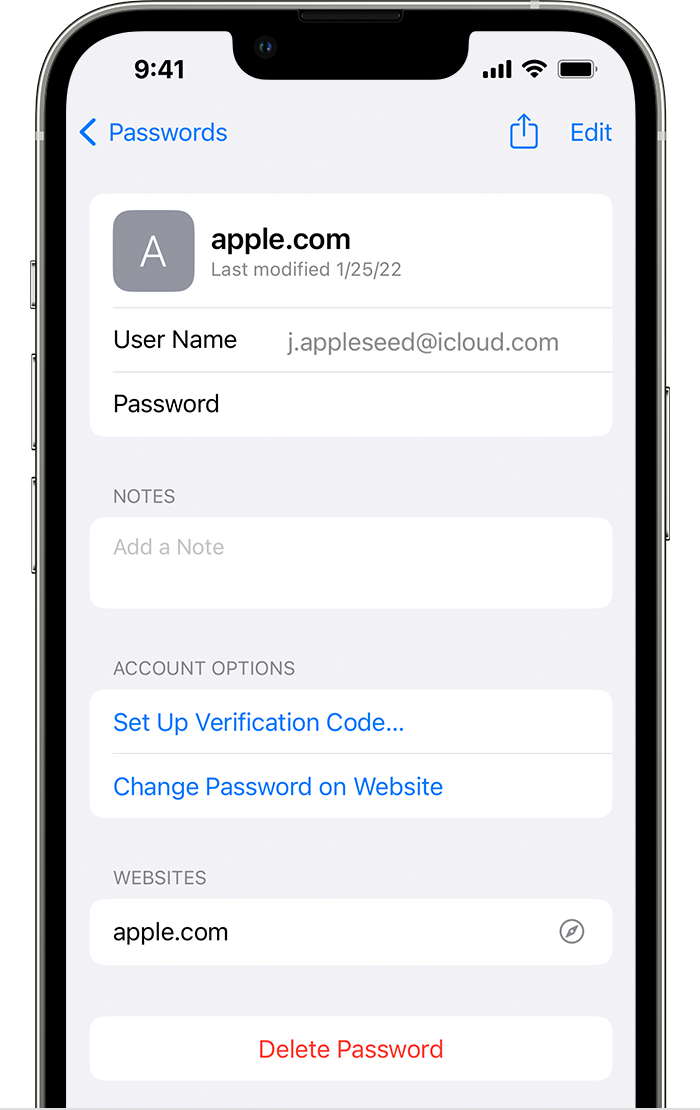
If this is the password for another email provider, you can use the steps below to see if your credentials are stored on your iPhone:
1. Tap Settings, then select Passwords. In iOS 13 or earlier, select Passwords & Accounts, then tap Website & App Passwords.
2. Use Face ID or Touch ID when prompted, or enter your passcode.
3. To see a password or passkey, select a website or app.
This article also covers that process: How to find saved passwords and passkeys on your iPhone - Apple Support
If your credentials aren't listed there, you'll want to reach out to your email provider. They'd be in the best position to assist with their account and services.
Take care.
Hello M4111,
If you need to reset the password for your iCloud account, you can do so on your iPhone using the steps below:
1. Go to Settings.
2. Tap your name > Password & Security > Change Password.
3. Follow the onscreen instructions to reset your password.
You can also find those steps, along with how to complete that process on other devices, in this resource: If you forgot your Apple ID password - Apple Support
If this is the password for another email provider, you can use the steps below to see if your credentials are stored on your iPhone:
1. Tap Settings, then select Passwords. In iOS 13 or earlier, select Passwords & Accounts, then tap Website & App Passwords.
2. Use Face ID or Touch ID when prompted, or enter your passcode.
3. To see a password or passkey, select a website or app.
This article also covers that process: How to find saved passwords and passkeys on your iPhone - Apple Support
If your credentials aren't listed there, you'll want to reach out to your email provider. They'd be in the best position to assist with their account and services.
Take care.
How can I retrieve my email password