MagSafe problem iPhone 12 iOS 16.0.3
MagSafe charging starts then stops after a bit. Requires a power off/on to restart charging. iPhone 12 Pro, iOS 16.0.3.
iPhone 12 Pro, iOS 16
MagSafe charging starts then stops after a bit. Requires a power off/on to restart charging. iPhone 12 Pro, iOS 16.0.3.
iPhone 12 Pro, iOS 16
Hi carl-austin,
Try the steps here: If your iPhone or iPod touch won't charge - Apple Support
Once you click and open the link, please read through and complete the steps in the section titled "If your device charges slowly or won’t charge."
Follow these steps and try again after each:
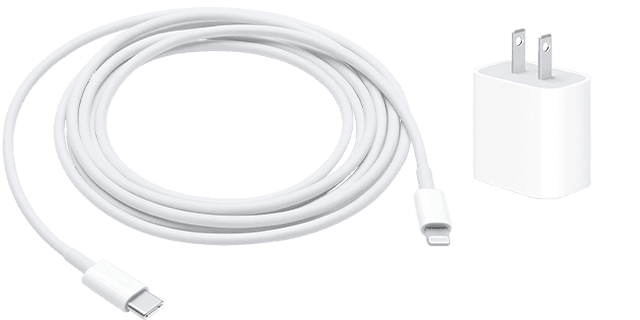
1) Check your charging cable and USB adapter for signs of damage, like breakage or bent prongs. Don't use damaged accessories.
2) Use a wall power outlet and check for firm connections between your charging cable, USB wall adapter, and wall outlet or AC power cable, or try a different outlet.
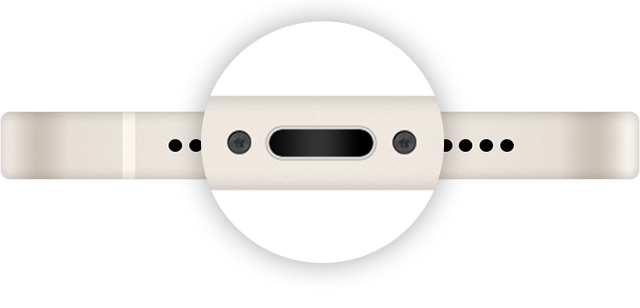
3) Remove any debris from the charging port on the bottom of your device, then firmly plug your charging cable into your device. If the charging port is damaged, your device probably needs service.
4) Let your device charge for a half hour.
5) If your device is still unresponsive, force restart your device:
*iPhone 8 or later and iPhone SE (2nd generation): Press and quickly release the volume up button. Press and quickly release the volume down button. Press and hold the side button until the Apple logo appears.
*iPhone 7, iPhone 7 Plus, and iPod touch (7th generation): Press and hold both the side (or top) button and the volume down button until the Apple logo appears.
*iPhone 6s or earlier, iPhone SE (1st generation), and iPod touch (6th generation) or earlier: Press and hold both the side (or top) button and the Home button until the Apple logo appears.
6) Let your device charge for another half hour.
We recommend the steps above because they will show you what to do if you're having trouble getting your device to charge.
If you’re still experiencing the same issue, then check out the article here: How to use your MagSafe Charger with iPhone 13 models and iPhone 12 models - Apple Support
Reach out to the community for more help if your issue has not been resolved, and we will continue from there.
Thanks for using the Apple Support Communities.
Cheers!
All real Apple products I bought from Apple when I bought my iPhone 12. The power adapter says 20W. The circular thingie that the phone sits on to do the charging has no markings on it whatsoever but again came from Apple. Everything worked great for close to two years. I suspect a bug introduced in a recent iOS update. As I said, a power off/on makes it work again… until the next time.
Apple Support: Thanks but these steps don’t apply to my problem. First, charging always works fine using a usb-lightning cable. Second, the failure occurs randomly — it may work fine for a couple of weeks, then fail. Failures occur only when using a MagSafe charging pad.
What are you using as a power source for the MagSafe charger? And is it an Apple MagSafe charger or aftermarket?
MagSafe problem iPhone 12 iOS 16.0.3