Homepod Account: Unable to log in
Hello forums,
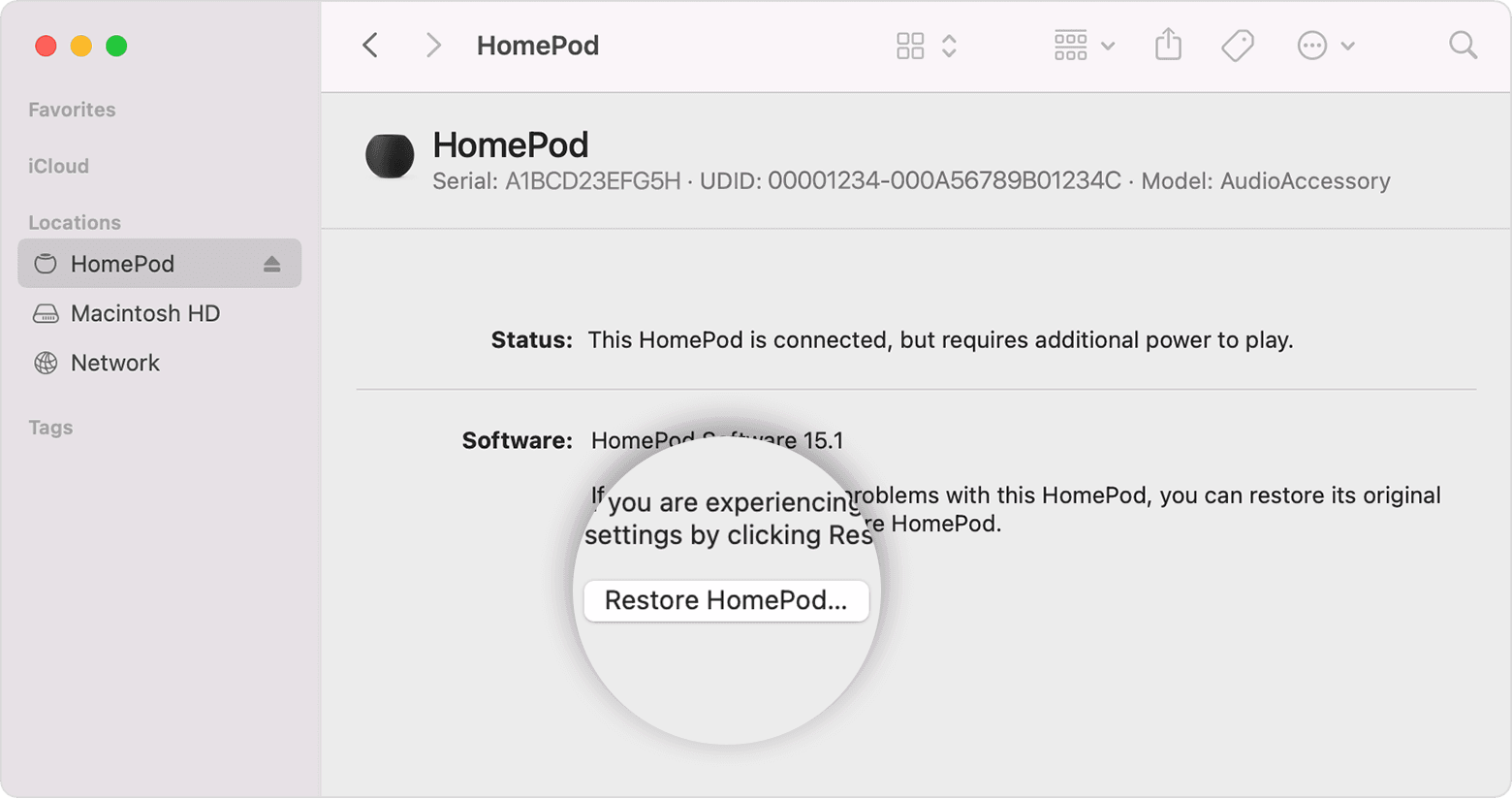
I have recently resent my homepod mini after it refused to update to OS version 16 a couple of weeks ago. At some point it finally updated. All seemed good.
During setup, I am forced to log in using the resident owner's credentials. This is not the user I would like logged in but adding the homepod accessory is only permitted by the owner, not admin (even though I do have "add/edit accessories" enabled for the user I would like logged in) or any other person added to Home. The reason is the non-owner is the user whose account I'd like to use for music playback (do not want to use the resident owner's account, the one that's forcefully signed in).
After completing the homepod reset, I make my way over to the Home app and open up the Homepod settings. Under Music & Podcasts, I tap "Primary User" and get the list of people added to my Home (the correct non-owner, primary user is selected) and, below that, the Homepod Account. I tap "sign out" which successfully logs the user out.
Any attempt to log in results in error and the homepod asking me to check my internet connection, which is absolutely ridiculous because no connectivity issue exists while logged in with the owner account (which, btw, I can't log back into unless I reset device).
After the attempt times out and I receive the persistent alert about lack of internet, I attempt to log in and I am never prompted for username/password every again (until I reset device). All i see is the activity spinner appear for a moment and then disappear.
Any ideas what's going on? I'm about to reset this homepod and take it in for recycling. I've wasted a few days now trying to figure this issue out and I'm done troubleshooting. Hopefully someone here has some tips or the next step is taking it to the apple store as this might be an issue with Apple blocking my VPN (please don't suggest removing the VPN out of the picture as it is configured on the router and is applied to all traffic).
Any help would be appreciated.