If you choose manual set up then change your mind how do you get back to quick set up without waiting 8 hours.

If you choose manual set up then change your mind how do you get back to quick set up without waiting 8 hours.


iPad (10th gen) WiFi

Posted on Oct 30, 2022 2:44 PM

Reply
1 reply

Nov 1, 2022 5:20 PM in response to dolphin-01

Hello dolphin-01,


It sounds like you've chosen the manual option to set up your iPad. Once you've started the process, you will need to wait for that to complete before erasing all contents and settings and set up again using QuickStart.


Turn on and set up iPhone - Apple Support


"Turn on and set up your iPhone
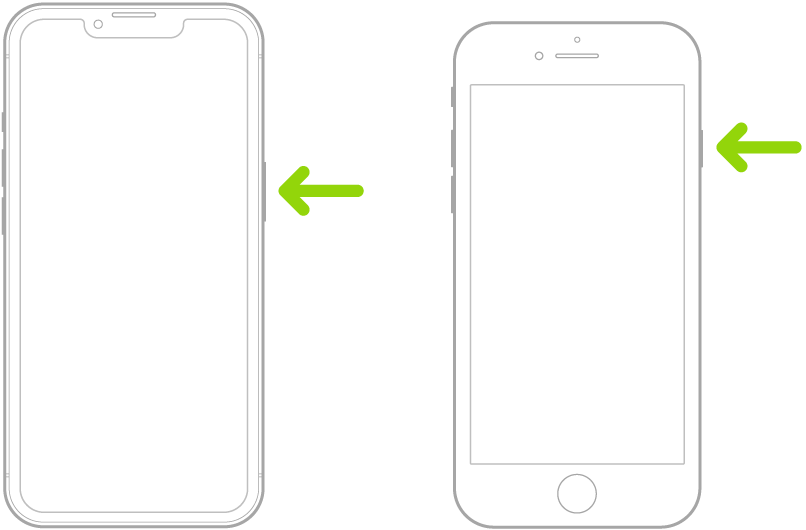
  1. Press and hold the side button until the Apple logo appears.

A green arrow pointing to the button on the right side of iPhone.

If iPhone doesn’t turn on, you might need to charge the battery. For more help, see the Apple Support article If your iPhone won’t turn on or is frozen.


2. Do one of the following:

    • Tap Set Up Manually, then follow the onscreen setup instructions.
  • If you have another iPhone, iPad, or iPod touch with iOS 11, iPadOS 13, or later, you can use Quick Start to automatically set up your new device. Bring the two devices close together, then follow the onscreen instructions to securely copy many of your settings, preferences, and iCloud Keychain. You can then restore the rest of your data and content to your new device from your iCloud backup.
  • Or, if both devices have iOS 12.4, iPadOS 13, or later, you can transfer all your data wirelessly from your previous device to your new one. Keep your devices near each other and plugged into power until the migration process is complete.


Regards.

This thread has been closed by the system or the community team. You may vote for any posts you find helpful, or search the Community for additional answers.

If you choose manual set up then change your mind how do you get back to quick set up without waiting 8 hours.

Welcome to Apple Support Community
A forum where Apple customers help each other with their products. Get started with your Apple Account.