There’s a one of the earphone turned off
There’s one of the earphones turned off why?
iPhone X, iOS 16
There’s one of the earphones turned off why?
iPhone X, iOS 16
Hello ye7ya,
If one of your AirPods isn't working, then we'd recommend taking these steps to solve it: If your left or right AirPod isn't working - Apple Support
If your left or right AirPod isn't working
Learn what to do if your left or right AirPod doesn't play audio.
If there's no sound in one AirPod
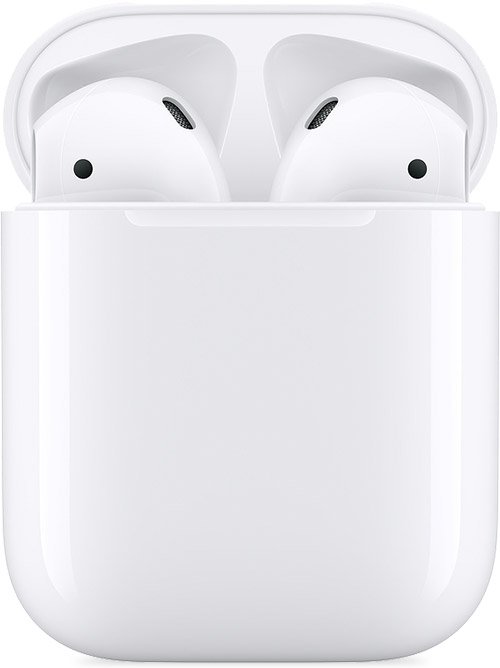
1. Make sure that your charging case is fully charged.
2. Place both AirPods in your charging case and let them charge for 30 seconds.
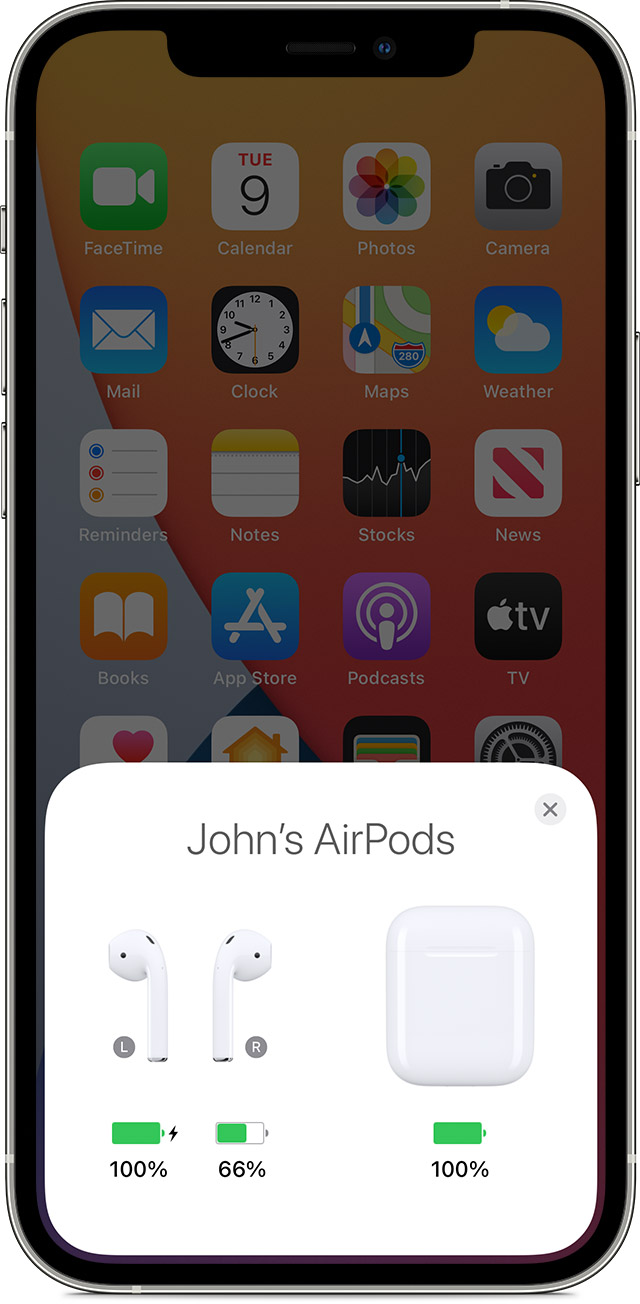
3. Open the charging case near your iPhone or iPad.
4. Check the charge status on your iPhone or iPad to make sure that each AirPod is charging.
5. Put both AirPods in your ears.
6. Play audio to test both AirPods.
7. If an AirPod still isn't working, reset your AirPods or contact Apple Support.
If there's low volume in one AirPod
If your left or right AirPod isn't playing any sound, or if the volume is too quiet, follow these steps:
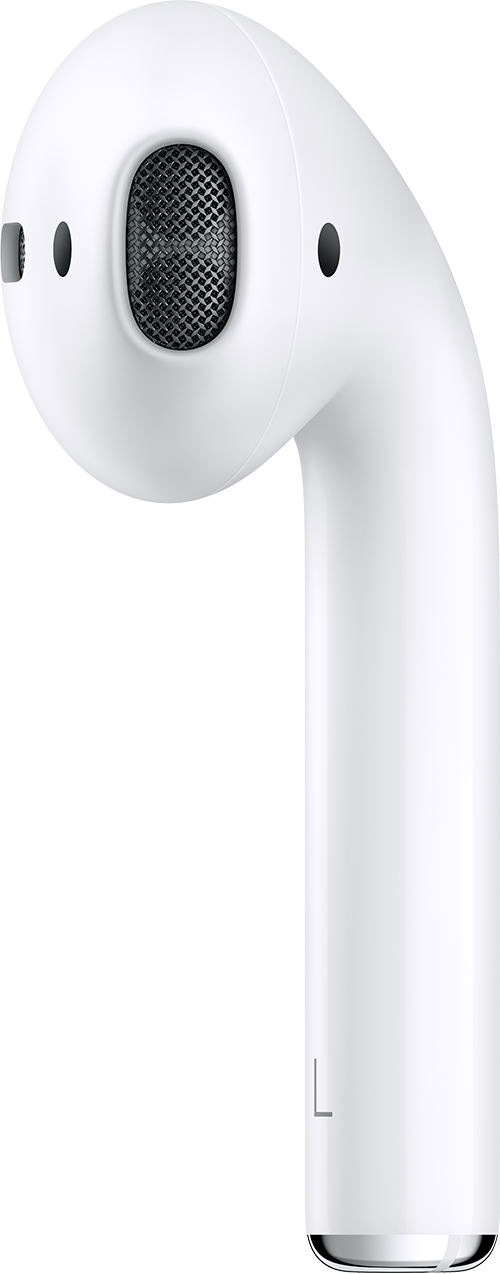
1. Check the microphone and speaker mesh on each AirPod.
2. If you see any debris, clean your AirPods using the guidelines in this article, and see if that fixes the issue.
3. Go to Settings > Accessibility > Audio/Visual > Balance, and make sure that the balance is set in the middle.
In case this doesn't resolve the issue, what is happening when you put this AirPod in the Charging Case? Does it charge? Does this issue occur when you pair the AirPods with other devices? Learn how to test that here: Set up AirPods with your Mac and other Bluetooth devices - Apple Support That will help us to isolate this further.
Hoping this helps out, take care.
Hello ye7ya,
If one of your AirPods isn't working, then we'd recommend taking these steps to solve it: If your left or right AirPod isn't working - Apple Support
If your left or right AirPod isn't working
Learn what to do if your left or right AirPod doesn't play audio.
If there's no sound in one AirPod
1. Make sure that your charging case is fully charged.
2. Place both AirPods in your charging case and let them charge for 30 seconds.
3. Open the charging case near your iPhone or iPad.
4. Check the charge status on your iPhone or iPad to make sure that each AirPod is charging
5. Put both AirPods in your ears.
6. Play audio to test both AirPods.
7. If an AirPod still isn't working, reset your AirPods or contact Apple Support.
If there's low volume in one AirPod
If your left or right AirPod isn't playing any sound, or if the volume is too quiet, follow these steps:
1. Check the microphone and speaker mesh on each AirPod.
2. If you see any debris, clean your AirPods using the guidelines in this article, and see if that fixes the issue.
3. Go to Settings > Accessibility > Audio/Visual > Balance, and make sure that the balance is set in the middle.
In case this doesn't resolve the issue, what is happening when you put this AirPod in the Charging Case? Does it charge? Does this issue occur when you pair the AirPods with other devices? Learn how to test that here: Set up AirPods with your Mac and other Bluetooth devices - Apple Support That will help us to isolate this further.
Hoping this helps out, take care.
There’s a one of the earphone turned off