
iCloud
Why is my iCloud refusing to open on my iphone 6
Why is my iCloud refusing to open on my iphone 6
Hello agatha2000,
Thank you for reaching out to Apple Support Communities.
Are you expernecing issues signing into your iCloud? If so, these steps should help:
"Sign in on your iPhone, iPad, or iPod touch
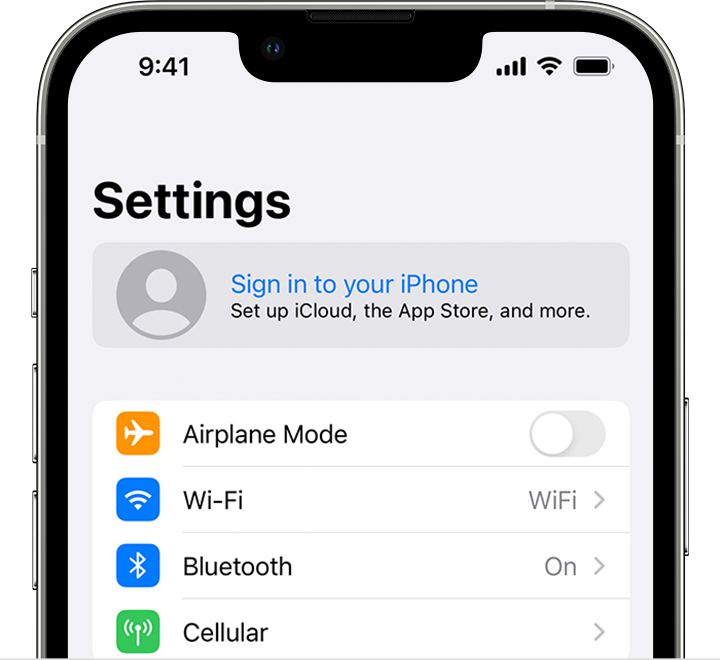
If you're already signed in to iCloud on the iPhone paired with your Apple Watch, you will automatically be signed in to that Apple ID. Learn more about how to set up and sign in to your Apple Watch. "
More details can be found here: Sign in with your Apple ID
If this isn't the case, can you provide a few more details? What happens when you attempt to access iCloud? Also, what is your exact iOS version?
Cheers!
iCloud

