Hi bev287,
For help with starting a workout on your Apple Watch, test the steps below found in the article here: Use the Workout app on your Apple Watch
"Start a workout
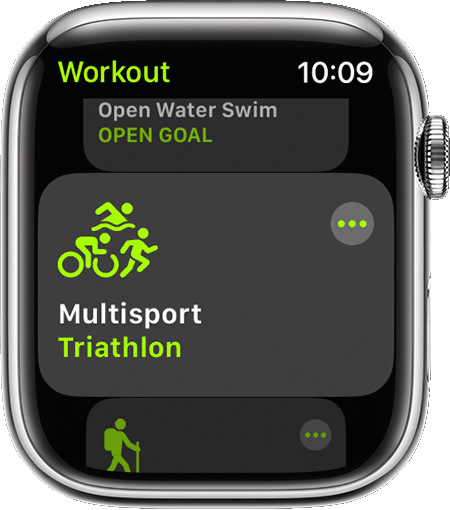
- Open the Workout app.
- Find the workout that best matches what you're doing. Learn more about each workout type.
- To set a goal, tap the More button
 next to the workout that you want to do. You can also set or start a custom workout. To skip setting a goal, tap the workout.
4. Wait for the three-second countdown. To skip the countdown, tap the screen.
5. Work out. To add another type of workout without ending your session, open the Workout app, swipe right, then tap the New button  "
"
Regarding automatic workout detection, "How long it takes for your watch to alert you to record a workout varies by workout type" You can find the list in the section "Get reminders to start a workout" from the same article.
Be sure to also check out the information here: Get the most accurate measurements using your Apple Watch - Apple Support
Cheers.


