
In setting on my iPhone it is asking me for my iCloud password.
Under the setting I have a message asking me to confirm my iPhone password to keep using the iCloud.
do I do this or is it a scam?
iPhone 14 Pro Max, iOS 16
Under the setting I have a message asking me to confirm my iPhone password to keep using the iCloud.
do I do this or is it a scam?
iPhone 14 Pro Max, iOS 16
Hi Lauriecahall,
You started from a great resource: Security and your Apple ID - Apple Support
You can use the steps below found in the article here to ensure you're signed into your iCloud account on your iPhone. Sign in to iCloud on all your devices - Apple Support
"Set up iCloud on your iPhone, iPad, or iPod touch
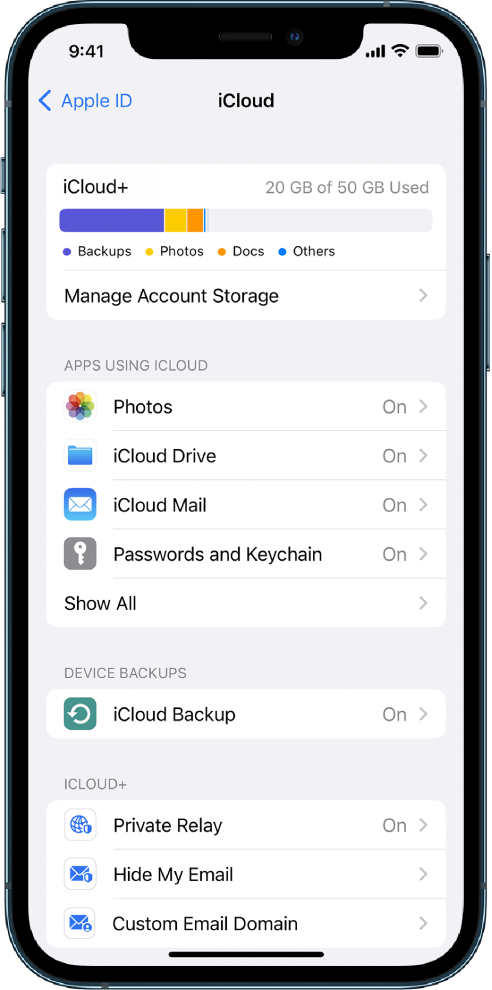 "
"You can also find helpful information here: Manage Apple ID settings on iPhone - Apple Support
If you need further assistance, reach out to Apple Support directly.
Contact - Official Apple Support
Contact Apple for support and service - Apple Support
Best.
In setting on my iPhone it is asking me for my iCloud password.

