

Question marked as
User profile for user:
nbotros
User level:
Community Specialist
Hello punam83,
Welcome to Apple Support Communities, and congratulations on your new Apple Watch. Which iPhone model, and iOS version are you trying to pair your Apple Watch with? You can find this information on your iPhone under: Settings > General > About.
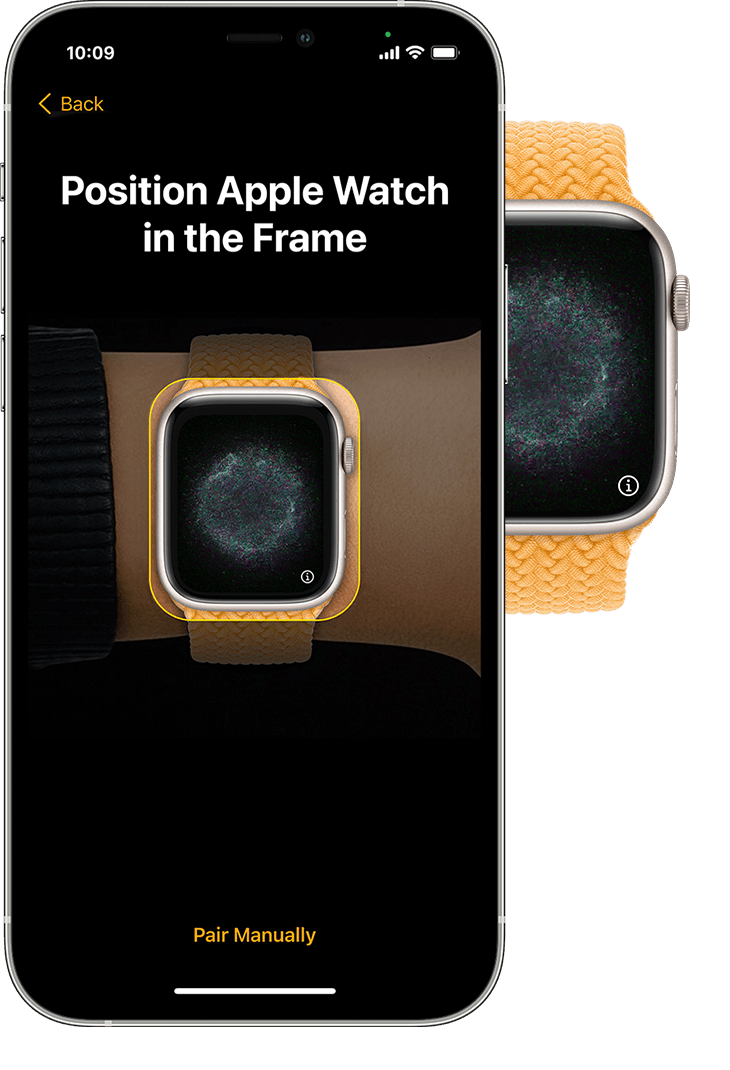
It looks like you're at step 3 in the process of setting up your Apple Watch where you need to pair it with your iPhone as described here:
3- Hold your iPhone over the animation
Center the watch face in the viewfinder on your iPhone. Wait for a message to say that your Apple Watch is paired.
If you can't use the camera, or the pairing animation doesn't appear or your iPhone can't read it, tap Pair Manually, then follow the prompts.
Set up your Apple Watch - Apple Support
Please follow the rest of the steps in the link above, and let us know if that helps.
Kind regards.