Greetings ashleyfm2003,
You can learn how to pair your AirPods with another Mac here:
Set up AirPods with your Mac and other Bluetooth devices - Apple Support
"If your AirPods don't appear in the Bluetooth  or volume control
  menu,2 pair your AirPods with your Mac:
- On your Mac, choose System Settings from the Apple menu , then click Bluetooth.
- Make sure that Bluetooth is on.
- Put both AirPods in the charging case and open the lid.
- Press and hold the setup button on the back of the case until the status light flashes white.
- Select your AirPods in the Devices list, then click Connect.
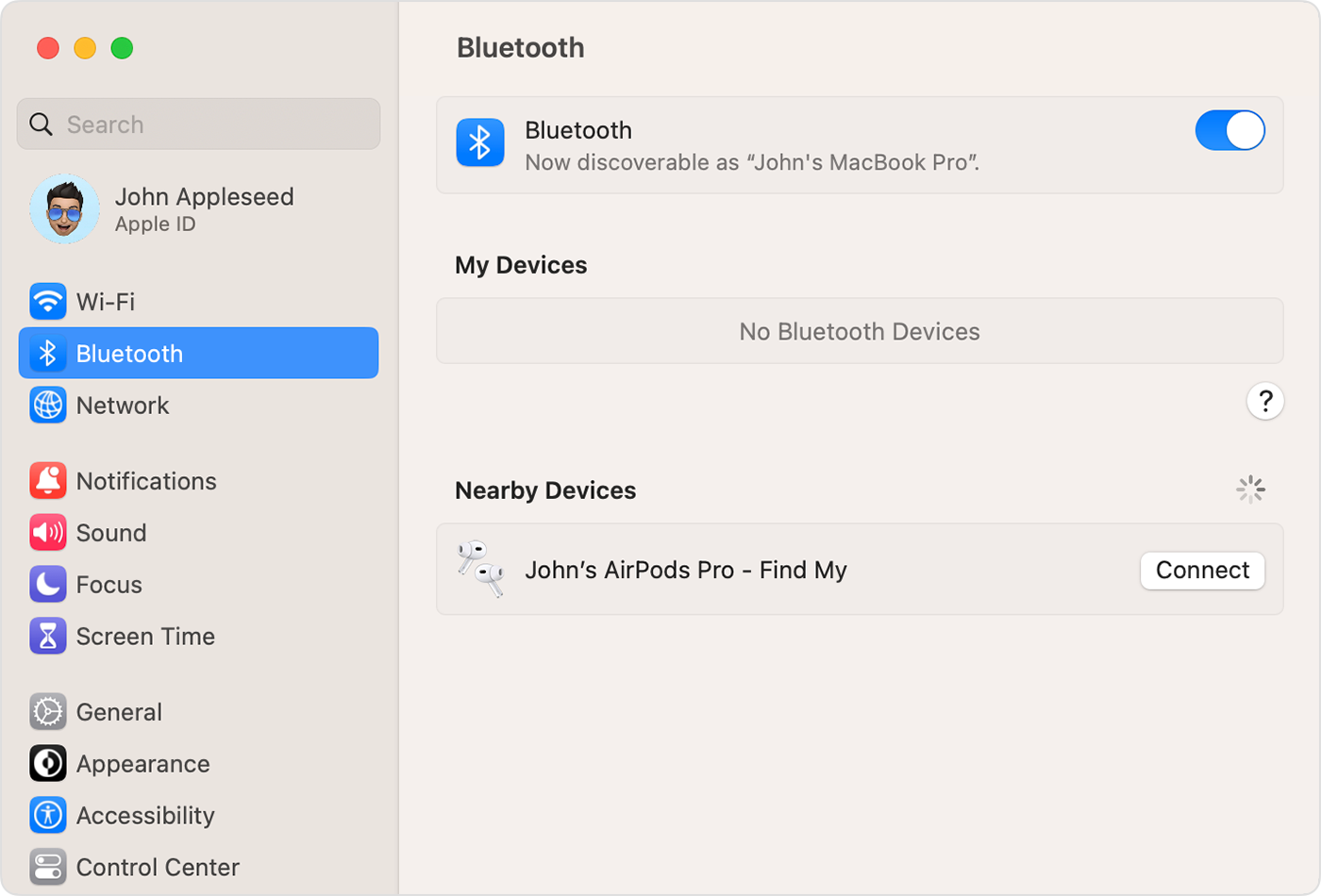
If sound still plays from your Mac speakers, click either the Bluetooth menu or the volume control in the menu bar and make sure that your AirPods are selected as the output device."
Take care.

