Greetings Rdninja,
You can create an Apple ID in Settings on your iPad, Mac, PC, or on the Apple ID website. Do you have another device you can try with?
If not, using Safari on your iPad, go to the Apple ID website and try creating one there. Here's how:
1. Go to appleid.apple.com and click Create Your Apple ID.
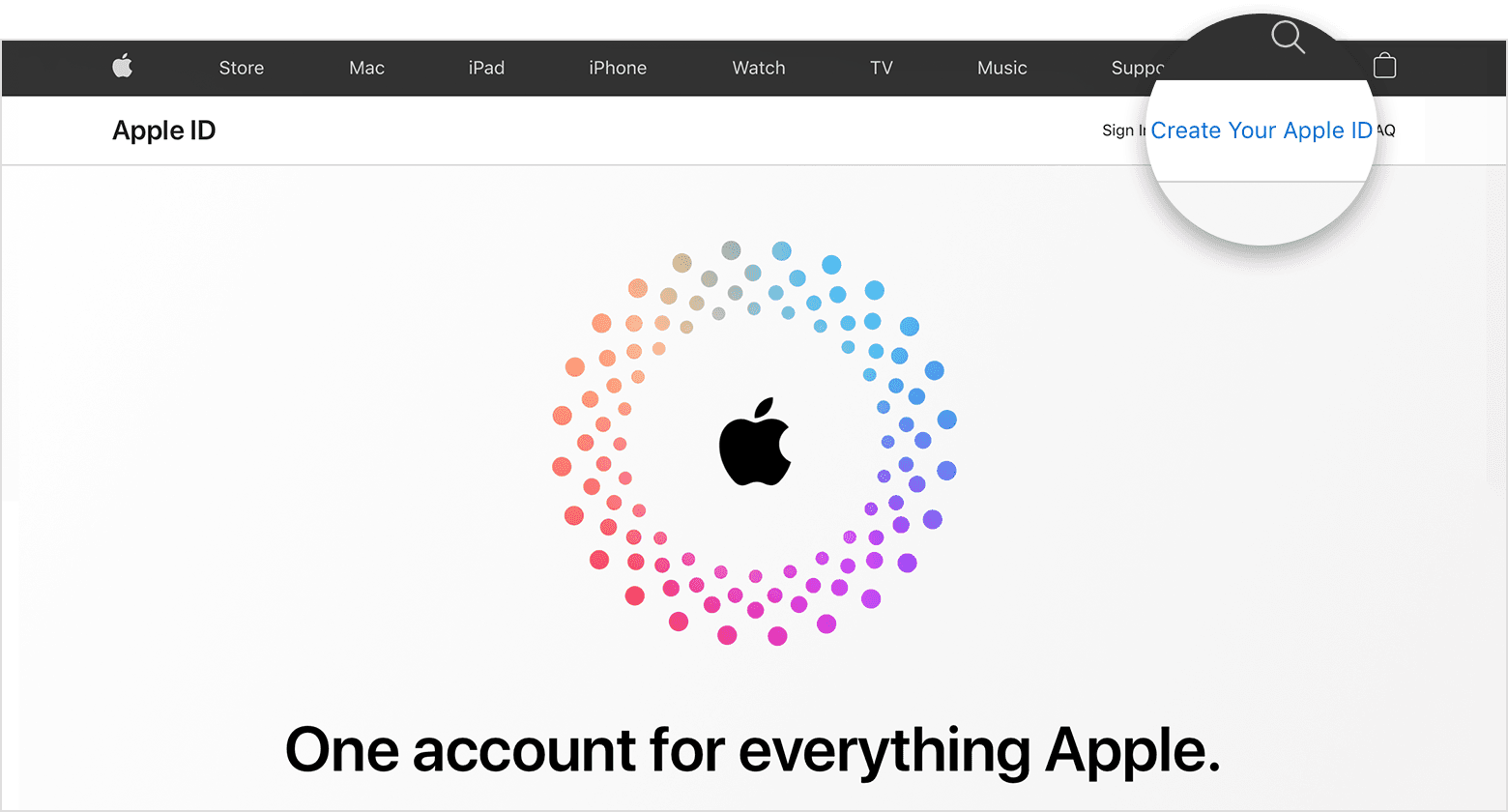
2. Follow the onscreen steps to provide an email address, create a strong password, and set your device region. The email address that you provide will be your new Apple ID.*
3. Enter a phone number that you can always access.
4. Check the boxes to subscribe to Apple Updates if you'd like. This keeps you up to date on the latest news, software, products, and services from Apple.
5. Click Continue.
6. Follow the onscreen steps to verify your email address and phone number.
This information is from How to create a new Apple ID - Apple Support.
Take care.


