No sound on Apple TV
Hi everyone.
No sound *at all* when using Apple TV on my MacBook Air. Tried cleaning the cache, did check my sound settings, nothings seems to work. Can anyone help? Many thanks!
MacBook Air 13″, macOS 13.0
Hi everyone.
No sound *at all* when using Apple TV on my MacBook Air. Tried cleaning the cache, did check my sound settings, nothings seems to work. Can anyone help? Many thanks!
MacBook Air 13″, macOS 13.0
Note that the TV app player window has a volume slider as a percentage of the main Mac volume level.
Verify that neither one is set to 0% volume.
Hey sarett,
We'd be happy to help out, however it's not quite clear if you're using the Apple TV app on your MacBook Air or if you're trying to AirPlay from your MacBook Air to your Apple TV.
Until we get clarification on that though, go ahead and restart both your Apple TV and your MacBook Air and test things out further.
Be sure the volume is up on both your MacBook Air and your Apple TV as well if this is an AirPlay issue.
For more help streaming what's on your Mac to your Apple TV, check out these steps:
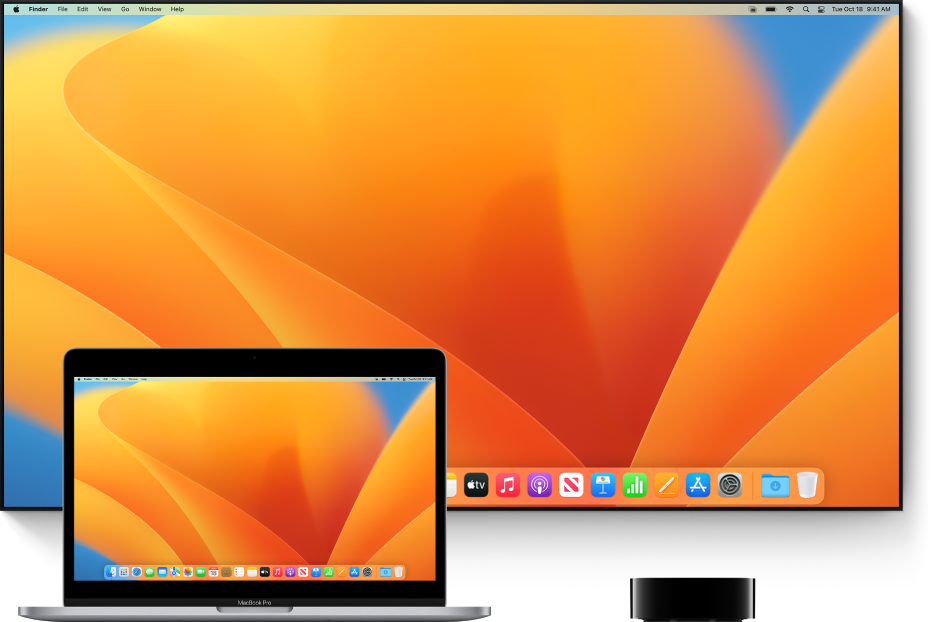
AirPlay Mirroring lets you send what’s on your Mac to an HDTV wirelessly with Apple TV.
1. Make sure your Mac and Apple TV are on the same network.
2. Click Control Centerin the menu bar, click the Screen Mirroring icon
, then choose your Apple TV.
3. If asked, enter a four-digit code on your Mac.
4. To set whether your desktop mirrors or extends your Mac screen, click the Screen Mirroring icon, then choose Mirror Built-in Display or Use As Separate Display.
All this and more is available here: Use AirPlay to stream what’s on your Mac to an HDTV
If this doesn't help out, provide more info to help us better understand.
Take care!
No sound on Apple TV