
How can I use iPhone as a listening device
How can I use iPhone as a listening device
iPhone 6s, iOS 15
How can I use iPhone as a listening device
iPhone 6s, iOS 15
Hello petithair73,
We understand you want to know how to use our iPhone as a listening device. We're here to help.
If you're looking to use the Made for iPhone hearing devices then follow the steps below for help on to set that up.
"Pair and connect
When you pair a Made for iPhone hearing device to your Apple device, audio from your Apple device goes to your hearing device. If you turn off your hearing device, you need to reconnect it when you want to use it with your Apple device again.
To pair your hearing device, follow these steps:
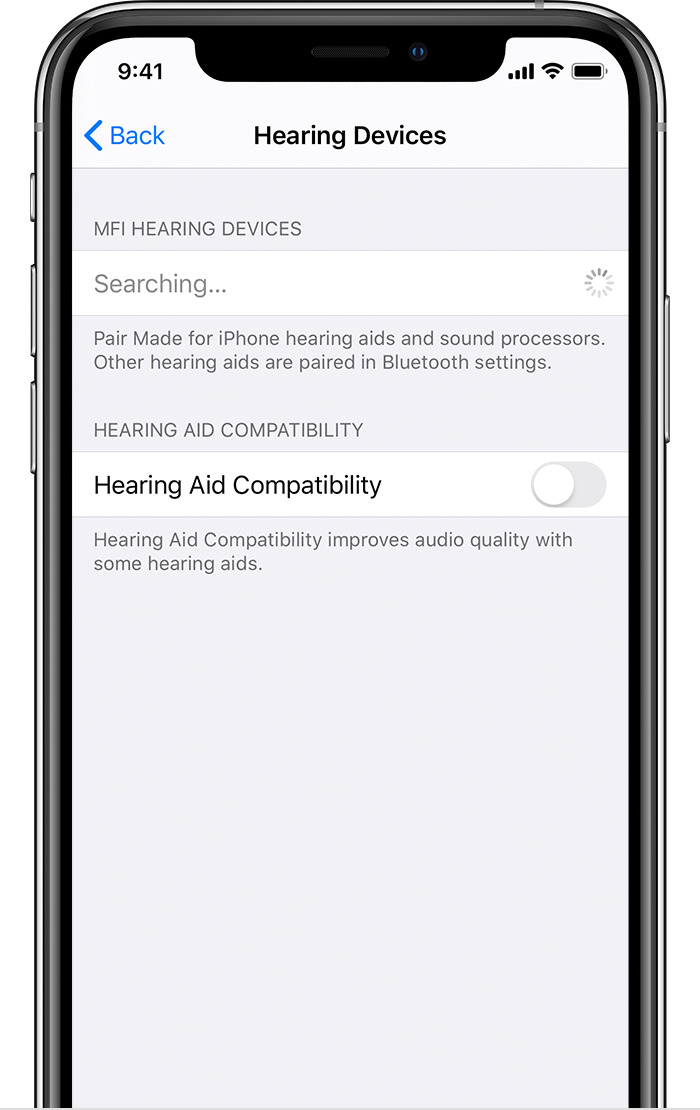
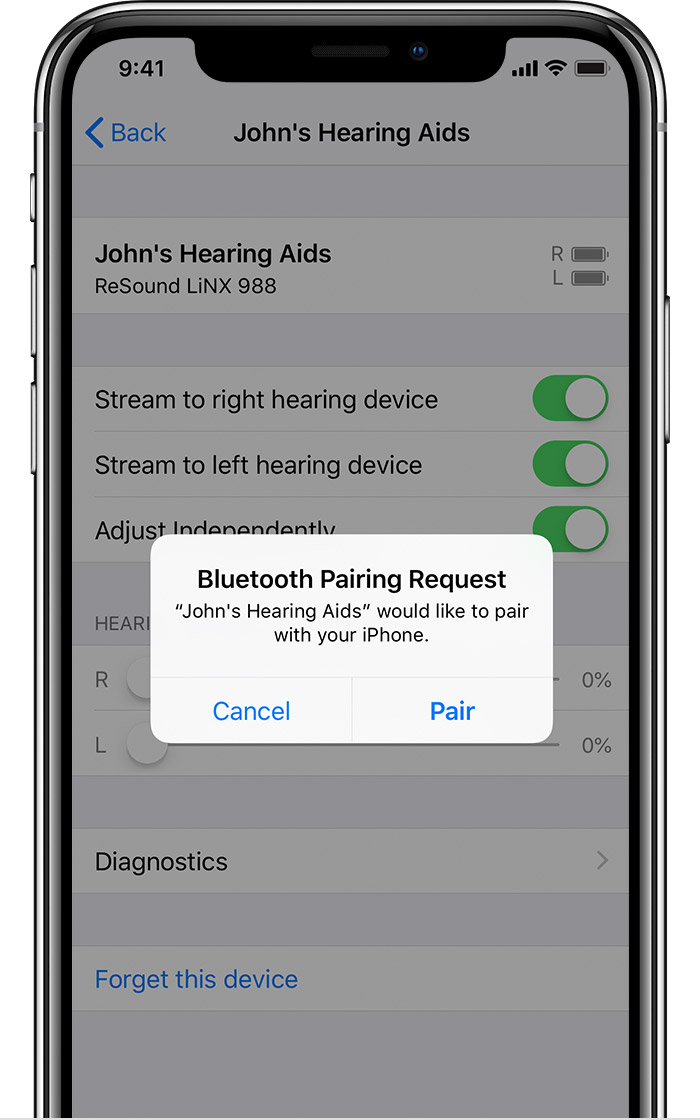
You can start using your hearing device when you see it under MFi Hearing Devices with a check mark. Control on Lock Screen will be on. Leave it on to control your hearing device from the Lock screen (using the Accessibility Shortcut) and from Control Center on your iPhone or iPod touch, or Control Center on your iPad.
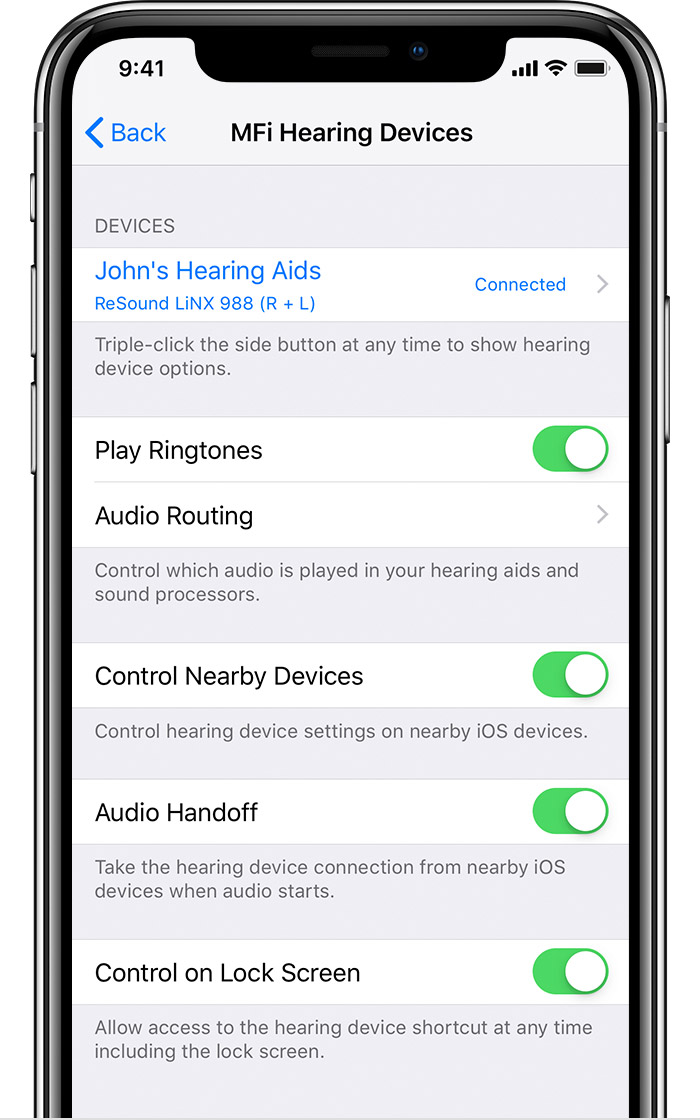
Pair with more than one device
When you pair your hearing devices with more than one Apple device, the connection for your hearing devices switches from one device to the other when you use audio. The connection also switches when you receive a call on your iPhone. If you make changes to your hearing device settings on one device, they're sent to your other devices.
To pair with another iPhone, iPad, or iPod touch, follow these steps:
Connect when you turn on your hearing device
When you turn off your hearing device, it disconnects from your device. When you turn on your hearing device, open and close the battery doors on your hearing device to connect again."
More information about Made for iPhone hearing devices check out this article: Use Made for iPhone hearing devices
If this wasn't what you were asking for then provide us more details of what you're looking to use your phone as a listening device for so we can point you in the right direction for resolution.
Thank you for using Apple Support Communities.
Take care!
How can I use iPhone as a listening device

