
My Beats Studio Buds will not reset
It did not work My light just went off didn’t even stay on for more than 10 seconds.
[Edited by Moderator]
It did not work My light just went off didn’t even stay on for more than 10 seconds.
[Edited by Moderator]
Hi Beats_not_working,
To make sure we're on the same page, are these the steps used to reset your Beats?
"If you have sound, Bluetooth, or charging issues with your earphones, you might want to reset them.
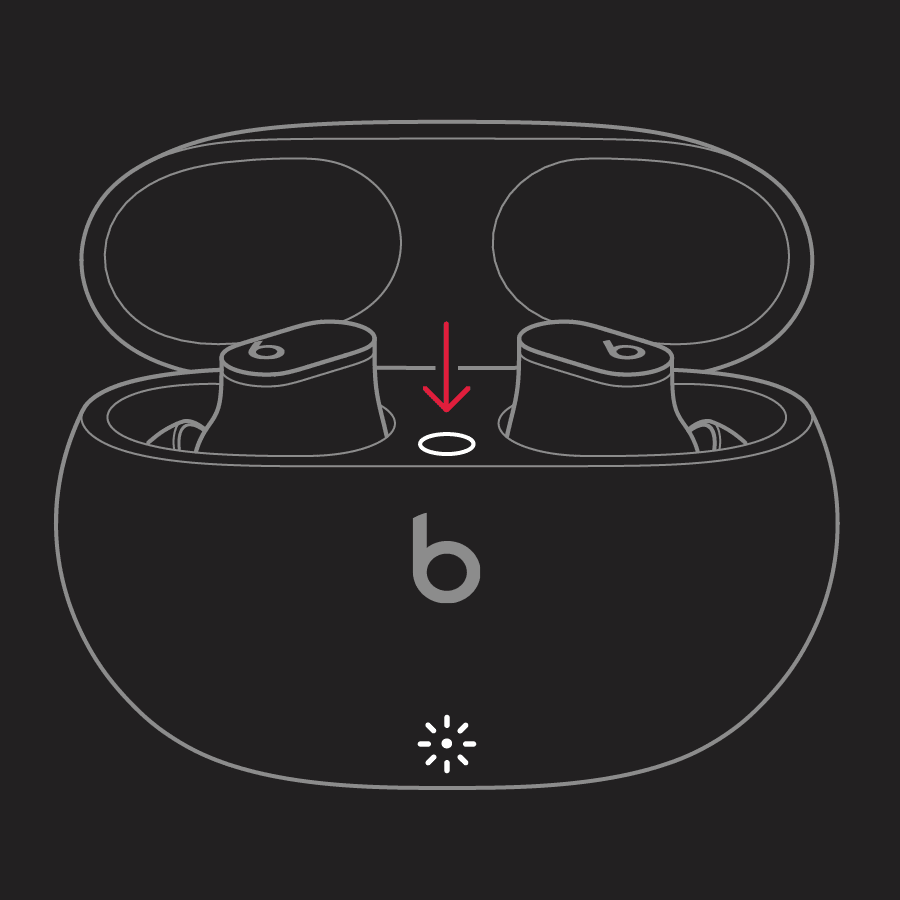
The LED indicator light will continue to flash white, which means that you can pair your Beats Studio Buds with your iPhone, Mac, Android device, or other device again."
If so, and the reset doesn't complete, try again. If they still won't reset, contact Apple Support for additional assistance.
Take care.
My Beats Studio Buds will not reset

