
Transfer was interrupted.
Do I stop transferring and reset to start again?
iPad 2, iOS 9
Do I stop transferring and reset to start again?
iPad 2, iOS 9
Hi lorie31,
You started from a great resource: Transfer data from your previous iOS or iPadOS device to your new iPhone or iPad
It sounds like you're using the Quick Start option. If so, you can complete a normal restart of both devices and start over with the steps below found in the article here: Use Quick Start to transfer data to a new iPhone or iPad
"Quick Start occupies both devices, so make sure that you choose a time when you won't need to use your current device for several minutes.
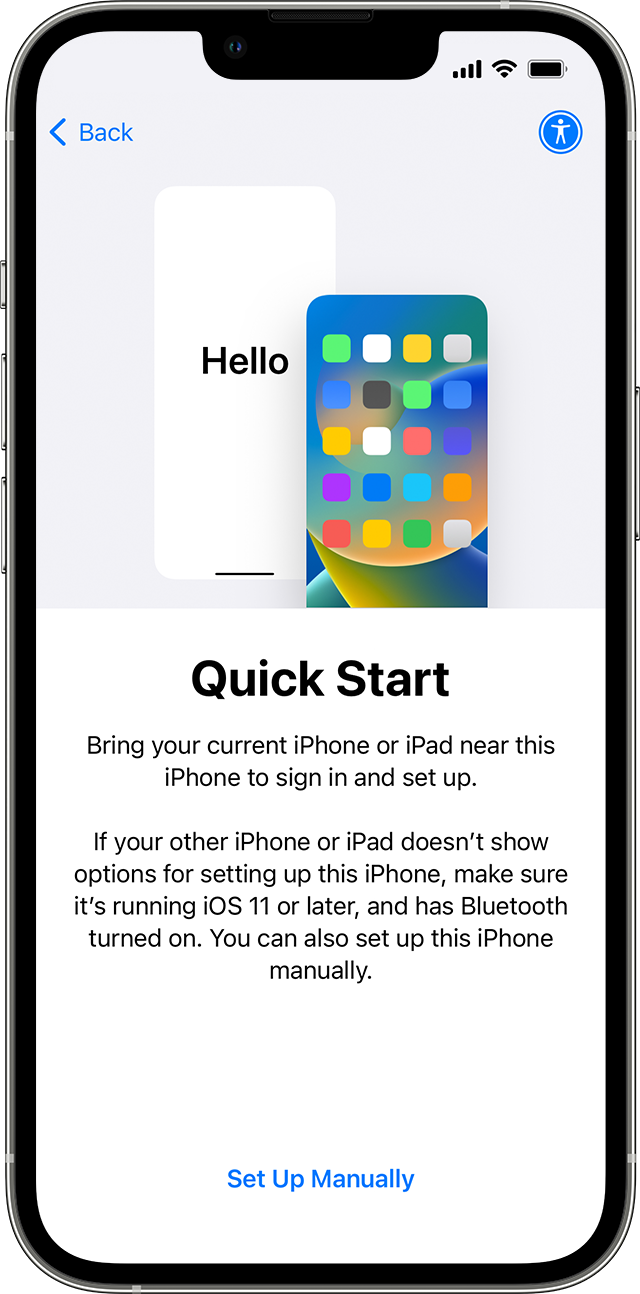
6.Keep your devices near each other and plugged in to power until the data migration process is complete. Transfer times can vary based on factors such as network conditions and the amount of data being transferred."
If the issue continues as recommended in the article reach out to Apple Support directly to further assist.
Contact Apple for support and service
Best.
Hi lorie31,
You started from a great resource: Transfer data from your previous iOS or iPadOS device to your new iPhone or iPad
It sounds like you're using the Quick Start option. If so, you can complete a normal restart of both devices and start over with the steps below found in the article here: Use Quick Start to transfer data to a new iPhone or iPad
"Quick Start occupies both devices, so make sure that you choose a time when you won't need to use your current device for several minutes.
6.Keep your devices near each other and plugged in to power until the data migration process is complete. Transfer times can vary based on factors such as network conditions and the amount of data being transferred."
If the issue continues as recommended in the article reach out to Apple Support directly to further assist.
Contact Apple for support and service
Best.
Transfer was interrupted.

