
BP on apple watch
I downloaded a suggested app from support to measure BP, but it is not reading and not sure how to fix it
I downloaded a suggested app from support to measure BP, but it is not reading and not sure how to fix it
Hi Sammy_1932,
Thanks for posting in Apple Support Communities! If a third party app is not working as advertised, we suggest reporting the behavior to the app developer for a resolution. Here's how:
 or your photo at the top of the screen, tap Purchased, tap "Not on this [device]," then tap the app.
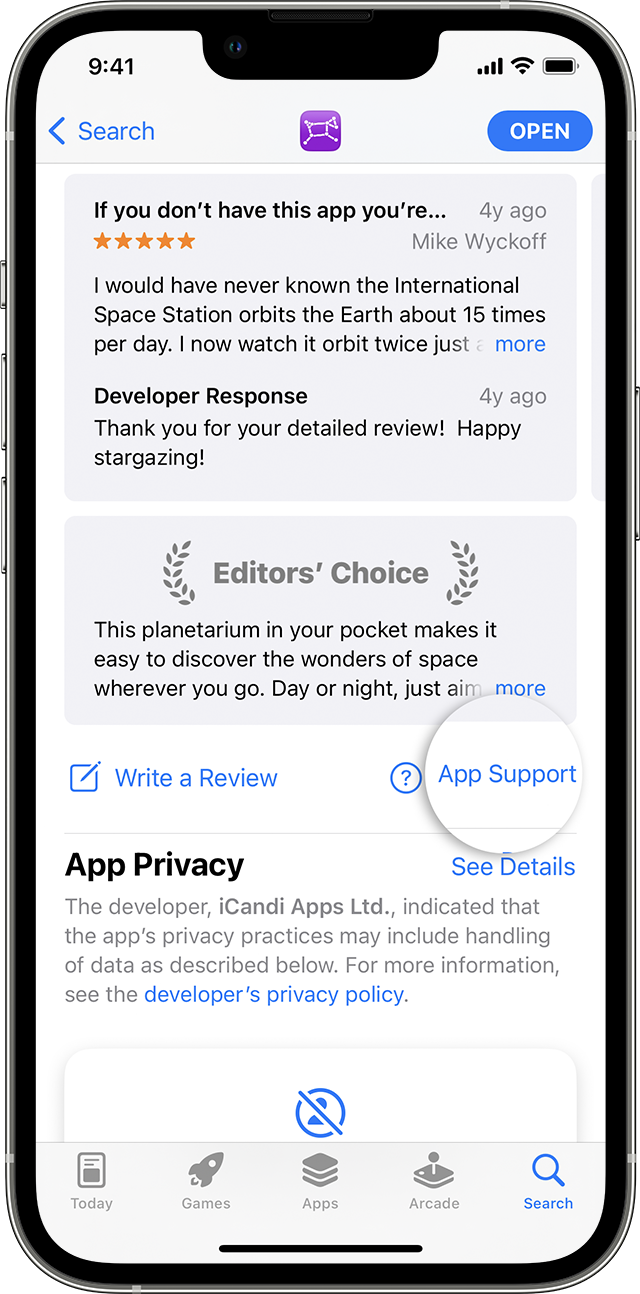 "
"
Find these steps in the article How to contact an app developer.
Cheers!
BP on apple watch

