Amber alerts
By the time I woke up and put on my glasses my alert was gone. I googled where do they go and it recommended swiping up on screen from center bottom but nothing happened. Its a stupid system if you can’t retrieve.
By the time I woke up and put on my glasses my alert was gone. I googled where do they go and it recommended swiping up on screen from center bottom but nothing happened. Its a stupid system if you can’t retrieve.
Hello mydogpetunia,
Government and emergency alerts would show up in Notification Center. Here's how you can see these: View and respond to notifications on iPhone
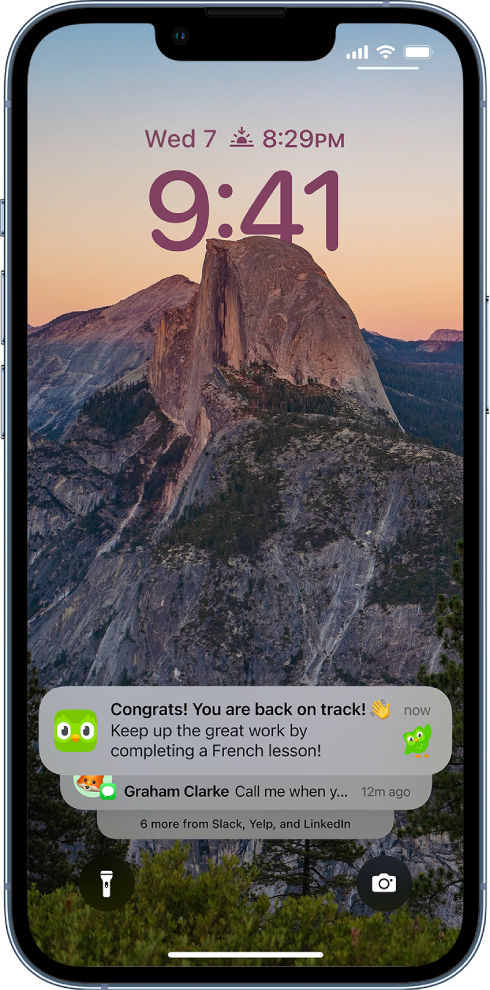
Find your notifications in Notification Center
To see your notifications in Notification Center, do any of the following:
- On the Lock Screen: Swipe up from the middle of the screen.
- On other screens: Swipe down from the top center. Then you can scroll up to see older notifications, if there are any.
To close Notification Center, swipe up from the bottom with one finger or press the Home button (on an iPhone with a Home button).
Which brings us to these steps to disable or enable the option for emergency and government alerts: About emergency and government alerts on iPhone
Let us know if this helps out or not, take care.
Hello mydogpetunia,
Government and emergency alerts would show up in Notification Center. Here's how you can see these: View and respond to notifications on iPhone
Find your notifications in Notification Center
To see your notifications in Notification Center, do any of the following:
- On the Lock Screen: Swipe up from the middle of the screen.
- On other screens: Swipe down from the top center. Then you can scroll up to see older notifications, if there are any.
To close Notification Center, swipe up from the bottom with one finger or press the Home button (on an iPhone with a Home button).
Which brings us to these steps to disable or enable the option for emergency and government alerts: About emergency and government alerts on iPhone
Let us know if this helps out or not, take care.
Amber alerts