
Where is the agree button on the terms and conditions page of a Mac book first gen
Why can’t I except terms and conditions on a Mac book there’s no where that says agree
Why can’t I except terms and conditions on a Mac book there’s no where that says agree
Greetings dusk2005,
If you are trying to sign in to iCloud on your Mac, follow the guidance found here:
Sign in to iCloud on all your devices
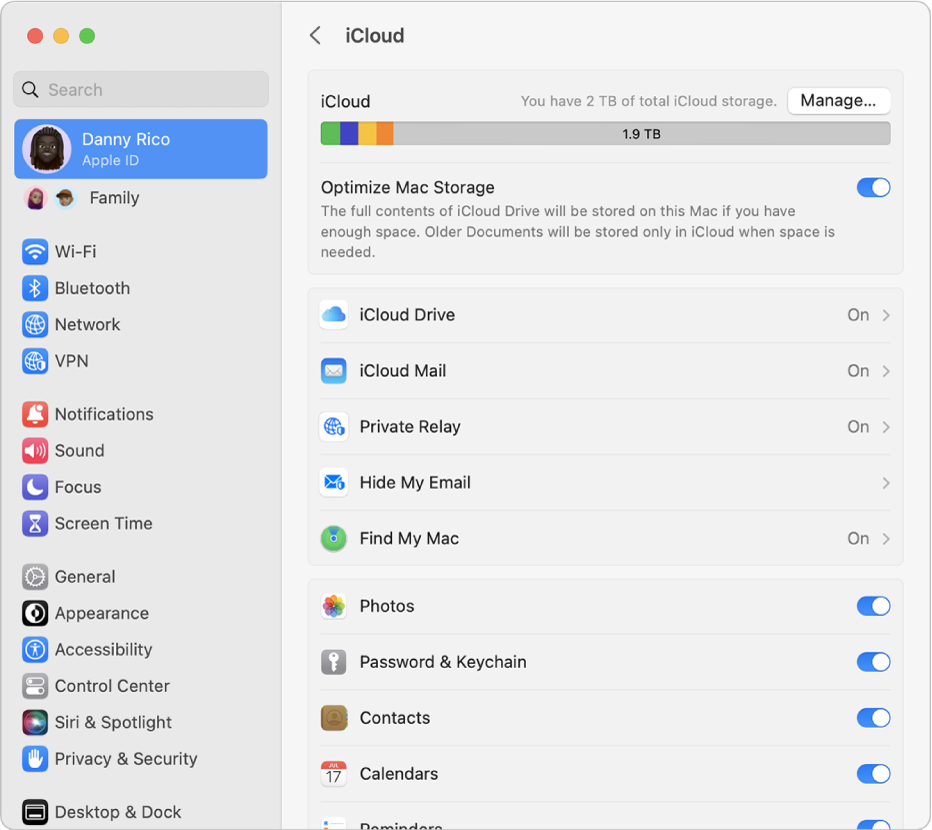
"Set up iCloud on your Mac
 > System Settings, click [your name] at the top of the sidebar, then click iCloud on the right. > System Preferences, click Apple ID, then click iCloud.
 "
"Take care.
Where is the agree button on the terms and conditions page of a Mac book first gen
