Powerbeats 3 volume goes down
How do I fix Powerbeats 3 volume goes down on its own on my iPhone 14
iPhone 14 Pro Max
How do I fix Powerbeats 3 volume goes down on its own on my iPhone 14
iPhone 14 Pro Max
Hi Poolapeach1,
Thanks for connecting with us here in Apple Support Communities. Does this happen with every app? Do you get a headphone alert? If so, this could explain why this happen. You can see more about this here: Headphone notifications on your iPhone, iPod touch, or Apple Watch
About headphone notifications and volume
Listening to audio on your headphones too loud for too long can damage your hearing. Headphone Notifications let you know if your audio exposure has been loud enough for long enough to affect your hearing—for example, over 80 decibels (dB) for 40 hours total within the last 7 days.
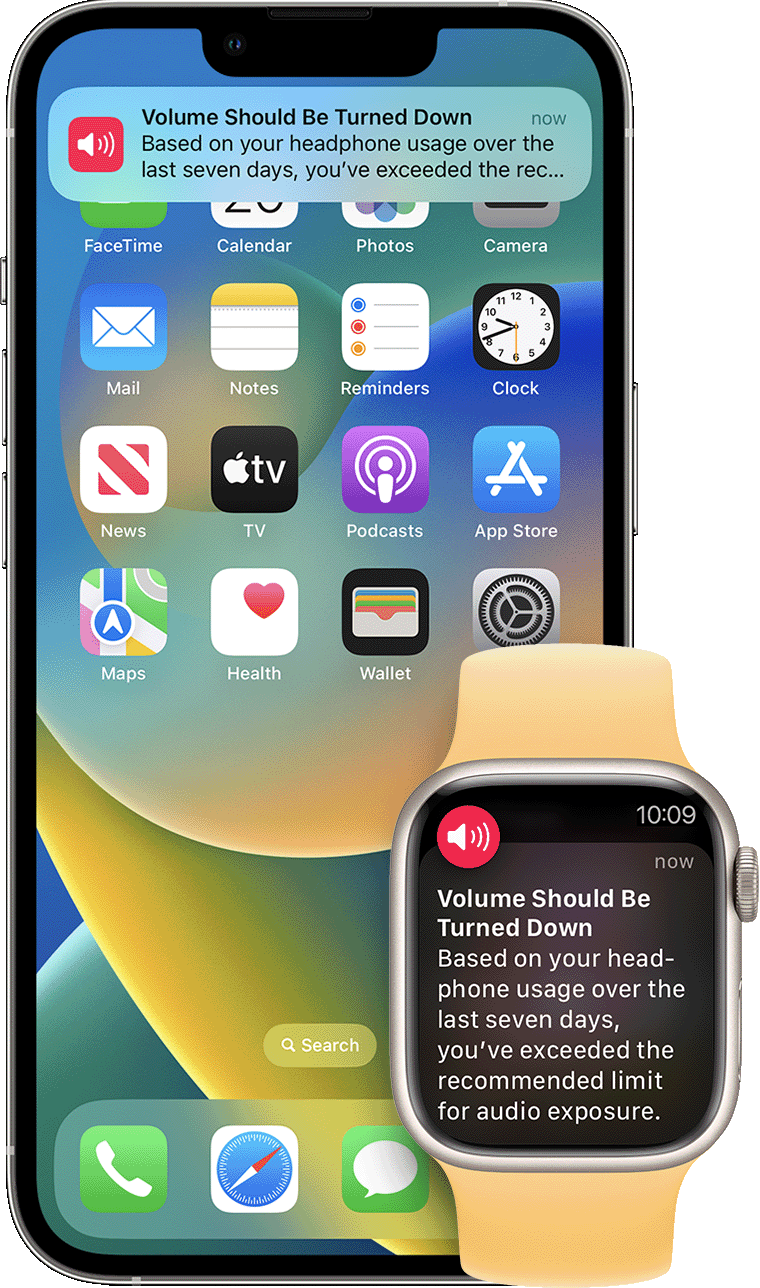
Your iPhone, iPod touch, or Apple Watch can now alert you when you've exceeded 100% of the 7-day exposure limit while wearing headphones.* These notifications give you more awareness around your listening habits to help you protect your hearing. When you receive a notification, you'll be prompted to turn down your volume. After receiving a notification, the next time you plug in your headphones or connect them via Bluetooth, your volume will be automatically set to a lower level. You can still turn your volume back up if you choose.
*The 7-day exposure limit applies only to media audio. Phone calls do not count towards your headphone audio exposure.
We also see that you reached us from the article that advises how to reset your Beats. Were you able to do that? See: Reset your Beats earphones
Kind regards.
Hi Poolapeach1,
Thanks for connecting with us here in Apple Support Communities. Does this happen with every app? Do you get a headphone alert? If so, this could explain why this happen. You can see more about this here: Headphone notifications on your iPhone, iPod touch, or Apple Watch
About headphone notifications and volume
Listening to audio on your headphones too loud for too long can damage your hearing. Headphone Notifications let you know if your audio exposure has been loud enough for long enough to affect your hearing—for example, over 80 decibels (dB) for 40 hours total within the last 7 days.
Your iPhone, iPod touch, or Apple Watch can now alert you when you've exceeded 100% of the 7-day exposure limit while wearing headphones.* These notifications give you more awareness around your listening habits to help you protect your hearing. When you receive a notification, you'll be prompted to turn down your volume. After receiving a notification, the next time you plug in your headphones or connect them via Bluetooth, your volume will be automatically set to a lower level. You can still turn your volume back up if you choose.
*The 7-day exposure limit applies only to media audio. Phone calls do not count towards your headphone audio exposure.
We also see that you reached us from the article that advises how to reset your Beats. Were you able to do that? See: Reset your Beats earphones
Kind regards.
I did try resetting my beats a couple of times but it didn’t help with my issue. I have not received any notifications about my headphones or volume. I don’t understand why it’s happening but it just keeps automatically turning the volume down. I turn it up it immediately goes back down.
Powerbeats 3 volume goes down