Hey there, and welcome to Apple Support Communities Toile,
We can certainly understand your concern and can help provide some insight.
We recommend checking out these steps for more information on troubleshooting charging issues with your Apple Watch.
" Get help if your Apple Watch won't charge
If your Apple Watch won't charge, or a message on your watch says that charging with this accessory isn't supported, try these tips:
- Make sure that you're using the Apple Magnetic Charging Cable or USB-C Magnetic Fast Charging Cable that came with your Apple Watch.
- Make sure that you plug the Apple Magnetic Charging Cable or USB-C Magnetic Fast Charging Cable all the way into the USB Power Adapter, then make sure that you plug the adapter all the way into a power outlet.
- If you use a third-party charging stand, use the charging cable that shipped in the box with your Apple Watch.
- Completely remove any plastic wrap from both sides of the charger.
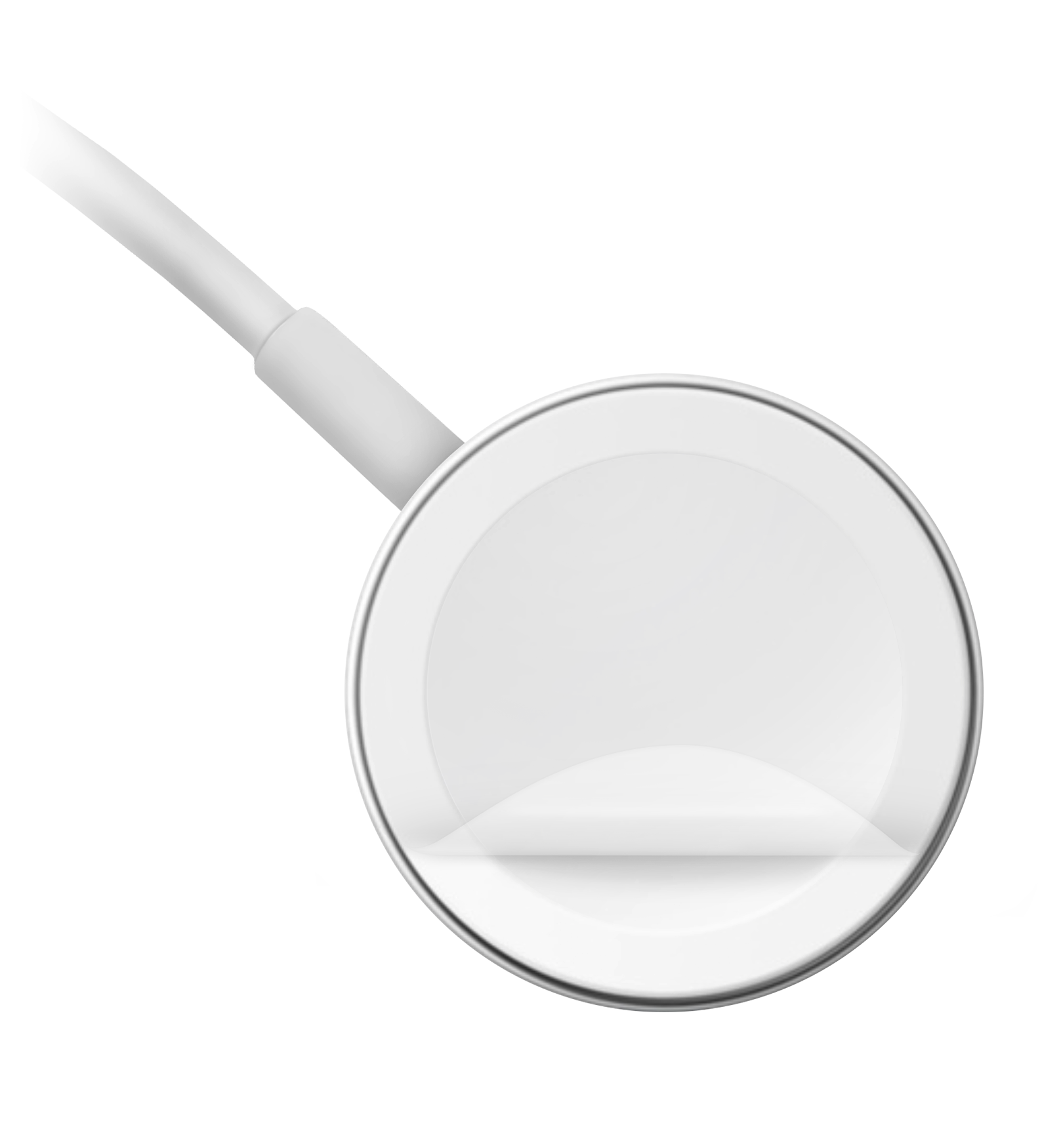
- Make sure that the back of your Apple Watch and the magnetic charger are clean.
- Reposition the back of your Apple Watch on the charger. When the charger's magnets align correctly with your Apple Watch, a green or yellow lightning bolt
 should appear on the watch face.*
 - Try a different Apple Watch Magnetic Charging Cable or USB-C Magnetic Fast Charging Cable, and a different USB Power Adapter. If your Apple Watch is out of power, you might need to wait a few minutes for the lightning bolt to appear after you start charging your device.
- If your Apple Watch still won't charge, force it to restart. Press and hold both the side button and Digital Crown for at least 10 seconds, or until the Apple logo appears.
* If you use the Apple Watch Magnetic Charging Dock or the Apple MagSafe Duo Charger with a larger Apple Watch model (44mm, 45mm, or 49mm), you might need to adjust the charger's position. Adjust the charger to a different angle, or lay it completely flat, to make sure that its magnets align with the magnets in your watch. If you have Apple Watch Ultra and it won't connect reliably with these charging devices even when they're lying flat, try removing the watch's band before placing the watch on the charger.
Learn more
If you still need help, contact Apple Support. "
For additional information, check out this link: If your Apple Watch won't charge or it won't turn on - Apple Support
These steps will help ensure your device is working with ease and can fix common issues like the ones you’re experiencing.
Kindest regards!


