
Apple Music
I paid my family plan and the people on the plan music haven’t came up yet
I paid my family plan and the people on the plan music haven’t came up yet
Hi meshaunta,
See the steps below to share a subscription like Apple Music with the rest of your family.
"You can share many subscriptions from Apple, like Apple TV+, iCloud+, and Apple Fitness+, with your family.
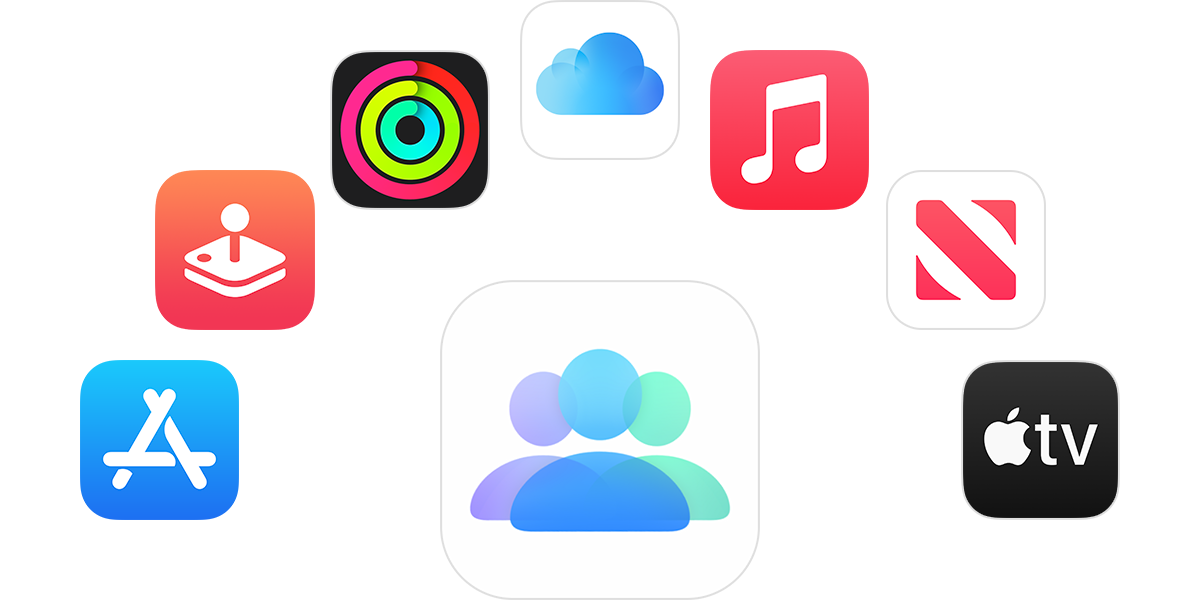
What happens when you share a subscription with your family?
You and up to five family members can enjoy access to Apple Original TV shows and movies on Apple TV+, and share Apple services like Apple Music, Apple Arcade, Apple News+, and more. When you share subscriptions, each person sees their own preferences and recommendations — not the whole family’s. And when you share an iCloud+ plan, family members can't see each others’ photos, files, or documents.
How to add a family member to your subscription from Apple
Learn how to use a Mac to set up Family Sharing.
If you still can't share a subscription
After you set up Family Sharing, eligible subscriptions are automatically shared with your family members. If your family members can't access a subscription, here's what to do:
Who is charged for the subscription?
If Purchase Sharing is turned on, the family organizer pays for everyone's subscriptions.*
If you're the family organizer and you don't want to pay for family members' purchases and subscriptions, you can turn off Purchase Sharing. When Purchase Sharing is turned off, everyone must use their own payment method. When Purchase Sharing is turned off, family members can share subscriptions, but they can't share individual purchases like apps or books.
* Learn how purchases are billed if a family member has Apple ID balance."
Cheers!
Hi meshaunta,
See the steps below to share a subscription like Apple Music with the rest of your family.
"You can share many subscriptions from Apple, like Apple TV+, iCloud+, and Apple Fitness+, with your family.
What happens when you share a subscription with your family?
You and up to five family members can enjoy access to Apple Original TV shows and movies on Apple TV+, and share Apple services like Apple Music, Apple Arcade, Apple News+, and more. When you share subscriptions, each person sees their own preferences and recommendations — not the whole family’s. And when you share an iCloud+ plan, family members can't see each others’ photos, files, or documents.
How to add a family member to your subscription from Apple
Learn how to use a Mac to set up Family Sharing.
If you still can't share a subscription
After you set up Family Sharing, eligible subscriptions are automatically shared with your family members. If your family members can't access a subscription, here's what to do:
Who is charged for the subscription?
If Purchase Sharing is turned on, the family organizer pays for everyone's subscriptions.*
If you're the family organizer and you don't want to pay for family members' purchases and subscriptions, you can turn off Purchase Sharing. When Purchase Sharing is turned off, everyone must use their own payment method. When Purchase Sharing is turned off, family members can share subscriptions, but they can't share individual purchases like apps or books.
* Learn how purchases are billed if a family member has Apple ID balance."
Cheers!
Apple Music

