
Unable to download music on family plan Apple Music
Unable to download music on family plan Apple Music
iPhone 11, iOS 16
Unable to download music on family plan Apple Music
iPhone 11, iOS 16
Hi No1228,
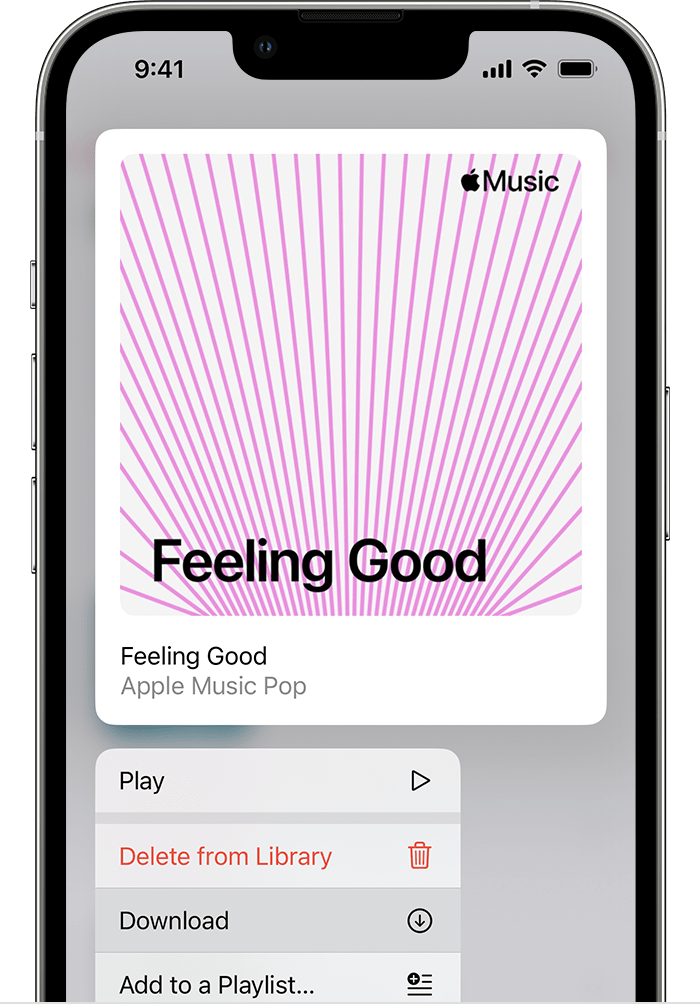
You can download music from Apple Music by completing the steps listed here: Add and download music from Apple Music that are also listed below.
"Download music from Apple Music
After you add music to your library, you can download it to your device to listen to offline. Just follow the steps below for your device.
How to download music from Apple Music on your iPhone, iPad, or Android
Best regards.
Unable to download music on family plan Apple Music

