Hello Paul,
To change the name that an email is sent from would be by navigating to the area you specified. However, if you do not see an option to change your name, that might indicate that the email account does not allow this to be changed in the iOS Mail settings. If that's the case, reach out to your email provider to get the best assistance on how to change the name an email is sent from.
You may also be able to set up this account again in order to change the name. These steps from Add an email account to your iPhone, iPad, or iPod touch show how:
1. Go to Settings > Mail, then tap Accounts.
2. Tap Add Account, tap Other, then tap Add Mail Account.
3. Enter your name, email address, password, and a description for your account.
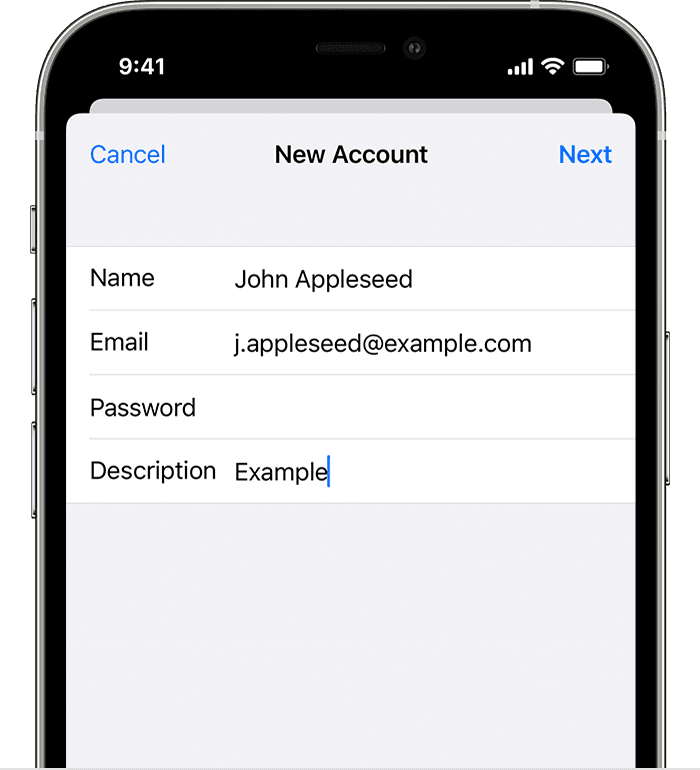
4. Tap Next. Mail will try to find the email settings and finish your account setup. If Mail finds your email settings, tap Done to complete your account setup.
Cheers!


