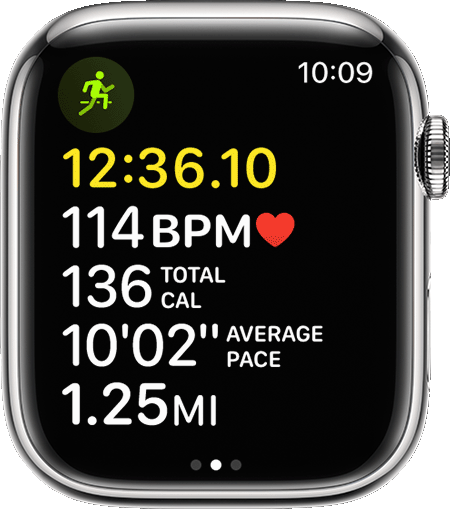
segments on Apple watch ultra on the outdoor run app
how to stop segments from re
how to stop segments from re
Hello RC__Qon7,
While you're not able to disable the segments for a workout, the following guide shows you what options you do have available: Use the Workout app on your Apple Watch - Apple Support
Mark segments in your workout
You can use segments to track different sections of your workout. For example, in an Outdoor Run workout on a track, you could mark each lap or distance. In a 30-minute Indoor Cycle workout, you could split the session into three 10-minute segments. Here's how:
1. During a workout, double-tap the screen.
2. Wait for the segment summary to appear.
To see all your segments after a workout:
1. On your iPhone, open the Fitness app.
2. Tap Show More next to Workouts.
3. Tap the workout, then scroll down.
Because your screen locks during swimming workouts, you can't mark segments. But in Pool Swim workouts, sets are marked automatically every time you rest at the side of the pool for 10 seconds or longer. Auto Sets show up in the workout summary in the Fitness app on your iPhone.
Apple always welcomes feedback on their products and services. Leave yours here: Feedback - Watch - Support
Thanks for using Apple Support Communities.
Take care!
segments on Apple watch ultra on the outdoor run app