
How can i get my old passcode?
How can i get my old passcode?
How can i get my old passcode?
Hi there Osvaldogg17,
A forgotten device passcode cannot be recovered. To be able to access the device again, you will need to reset your device.
If your device is running an iOS version earlier than 15.2, the steps in this article would help reset your device and you could then set a new passcode: If you forgot your iPhone passcode - Apple Support
If you have an iPhone and it's running iOS 15.2 or later (same with an iPad device running iPadOS 15.2 or later), then the steps below will help resolve this for you:
"How to reset your device
If you're using an eSIM, contact your carrier before trying these steps and ask for a QR code to set up your eSIM again.
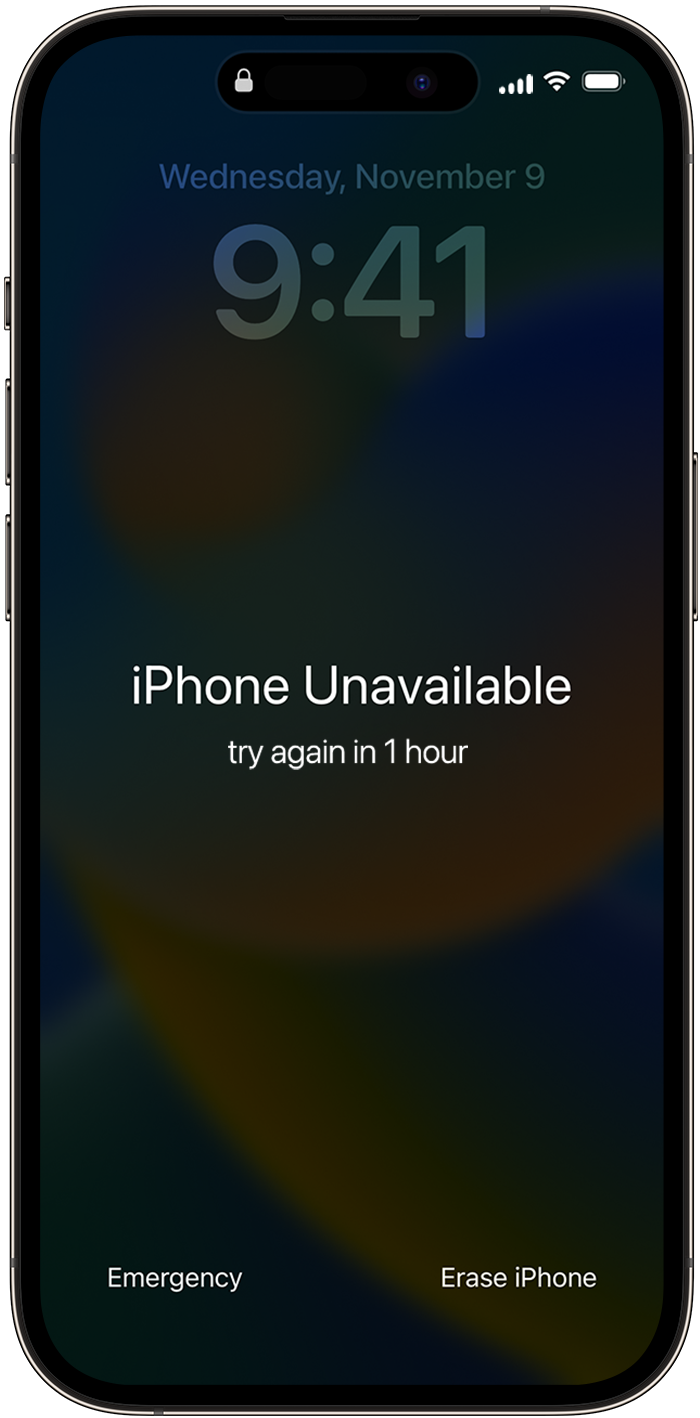
If you can't follow these steps, you can use a computer to reset your device."
Those steps, and more information, can be found here: If you see an iPhone or iPad unavailable message or Security Lockout screen - Apple Support
Please let us know if those steps help.
Take care.
Hi there Osvaldogg17,
A forgotten device passcode cannot be recovered. To be able to access the device again, you will need to reset your device.
If your device is running an iOS version earlier than 15.2, the steps in this article would help reset your device and you could then set a new passcode: If you forgot your iPhone passcode - Apple Support
If you have an iPhone and it's running iOS 15.2 or later (same with an iPad device running iPadOS 15.2 or later), then the steps below will help resolve this for you:
"How to reset your device
If you're using an eSIM, contact your carrier before trying these steps and ask for a QR code to set up your eSIM again.
If you can't follow these steps, you can use a computer to reset your device."
Those steps, and more information, can be found here: If you see an iPhone or iPad unavailable message or Security Lockout screen - Apple Support
Please let us know if those steps help.
Take care.
How can i get my old passcode?

