
App freezes and won’t quit
On my MacBook Air an app fills the whole screen and with no option to close it. I tried escape to no avail. Control/option/command didn’t work. Switching the computer off doesn’t work either. Anyone any suggestions please?
On my MacBook Air an app fills the whole screen and with no option to close it. I tried escape to no avail. Control/option/command didn’t work. Switching the computer off doesn’t work either. Anyone any suggestions please?
Read again -> Related Article: How to force an app to quit on your Mac
Try -> Force an app to quit
Press these three keys together: Option (or Alt), Command, Esc (Escape).1 Or choose Force Quit from the Apple menu in the corner of your screen.

A Force Quit window opens. Select the app that you want to quit, then click Force Quit:
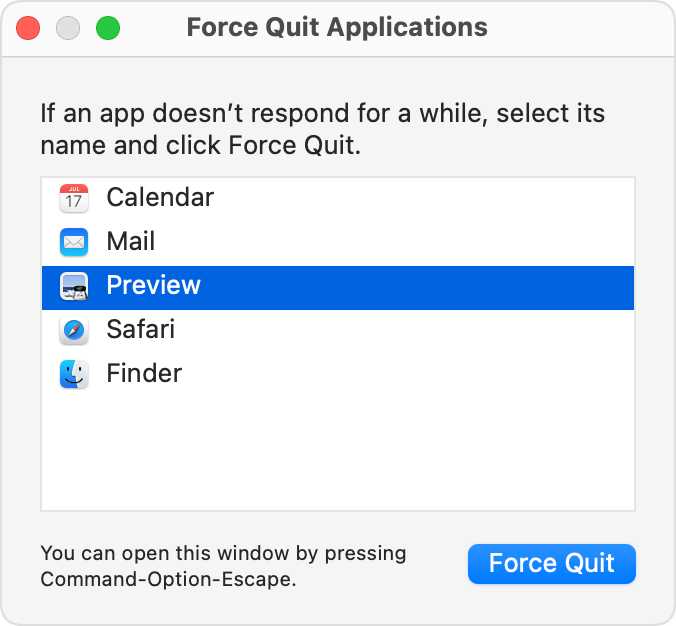
The Finder is always open, but if it stops responding, you can force it to quit and then open again: Select Finder in the Force Quit window, then click Relaunch.
App freezes and won’t quit
