Hi felisha276,
When you're going into your settings, are you being asked to enter a ScreenTime passcode?
It's correct that your passcode is used to unlock your iPhone, but if you read carefully you might be getting asked for a different passcode than normal.
If you have your iPhone logged in with your Apple ID you can change your password right from Settings:
Change your Apple ID password on your iPhone, iPad, iPod touch, or Apple Watch
1. Tap Settings > your name > Password & Security.
2. Tap Change Password.
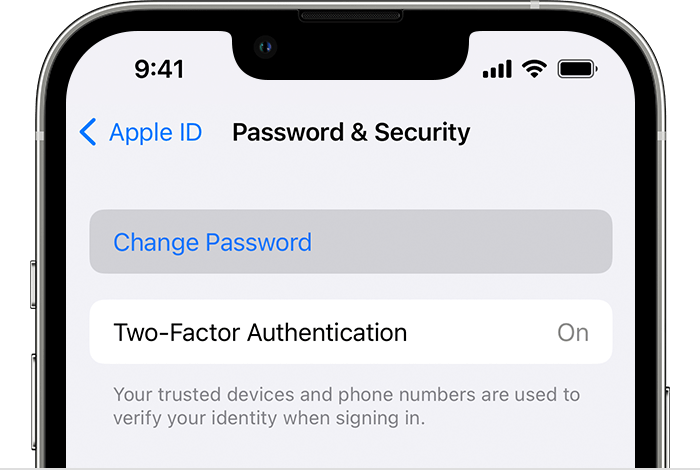
3. Enter your current password or device passcode, then enter a new password and confirm the new password. Forgot your password?
4. Tap Change or Change Password.
Change your Apple ID password
That should help you change your password from a trusted device.
Thanks for using the Apple Support Communities.


