Hi mohamed elsheshaii,
While it's a bit unclear what you're asking, if you're having trouble charging your iPhone check out the information below from the article here to assist: Charge the iPhone battery - Apple Support
"Charge the battery
To charge iPhone, do any of the following:
- Connect iPhone to a power outlet using the charging cable (included) and an Apple USB power adapter (sold separately). See Power adapters for iPhone.
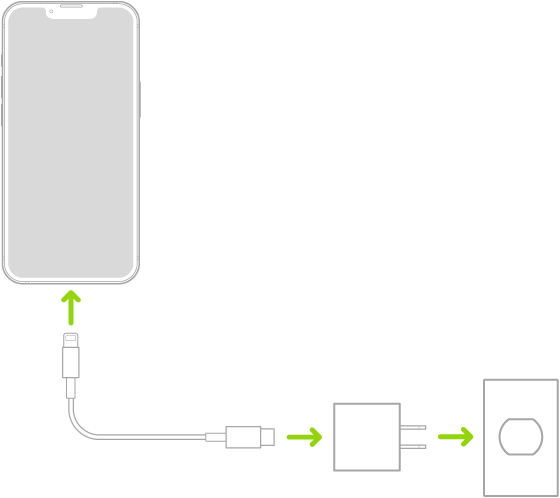
- Place iPhone face up on MagSafe Charger or MagSafe Duo Charger (connected to Apple 20W USB-C power adapter or other compatible power adapter) or on a Qi-certified charger. (MagSafe Charger, MagSafe Duo Charger, power adapters, and Qi-certified chargers are sold separately.) See MagSafe chargers and battery packs for iPhone and Qi-certified wireless chargers for iPhone.
- Note: You can also use third-party power adapters and Qi-certified chargers that are compliant with applicable country regulations and international and regional safety standards. See “Charging” in Important safety information for iPhone.
- Connect iPhone and your computer with a cable.
- Make sure your computer is turned on—if iPhone is connected to a computer that’s turned off, the battery may drain instead of charge. Look for
 on the battery icon to make sure your iPhone is charging.
 - Note: Don’t try to charge your iPhone by connecting it to your keyboard, unless your keyboard has a high-power USB port."
If there's a different issue or question you have, post back with more details about what it is you're looking to accomplish.
Regarding charging you can find more information here: If your iPhone or iPod touch won't charge - Apple Support and find helpful adapter information here: Power adapters for iPhone - Apple Support
Cheers.

