
Printing photos on iPhone 12
How to resize photos on iPhone when printing
iPhone 12
How to resize photos on iPhone when printing
iPhone 12
Hey Cococat17,
You can find options for editing photos on your iPhone here: Edit photos and videos on iPhone - Apple Support
"Crop, rotate, or flip a photo or video
 , then do any of the following :
 , then choose an option such as square, 16:9, or 5:4.
 to rotate the photo 90 degrees.
 to flip the image horizontally.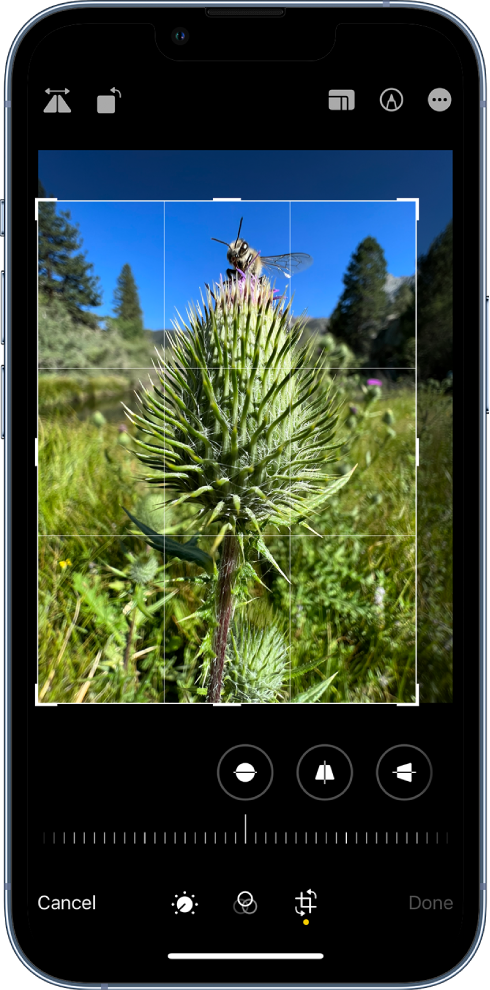
For more information on printing from your iPhone, check out this article: Use AirPrint to print from your iPhone or iPad - Apple Support
Thanks!
Printing photos on iPhone 12

