Hi Macjackb,
We recommend you try the steps in the link below since the Zoom app isn't working as expected.
If an app on your Mac stops responding, closes unexpectedly, or won’t open - Apple Support
To perform the steps in the article we suggested above, click and open the link, read the subheadings below, and try each step.
1) Quit and reopen the a
2) Restart your Mac
3) Check for updates
4) Reinstall the app
We recommend the steps above because they will show you what to do if an app on your Mac does not work as expected, such as the Zoom app you originally posted about.
If you’re still experiencing the same issue, we recommend contacting their App Developer for support since they are best suited to troubleshoot their application.
How to contact an app developer - Apple Support
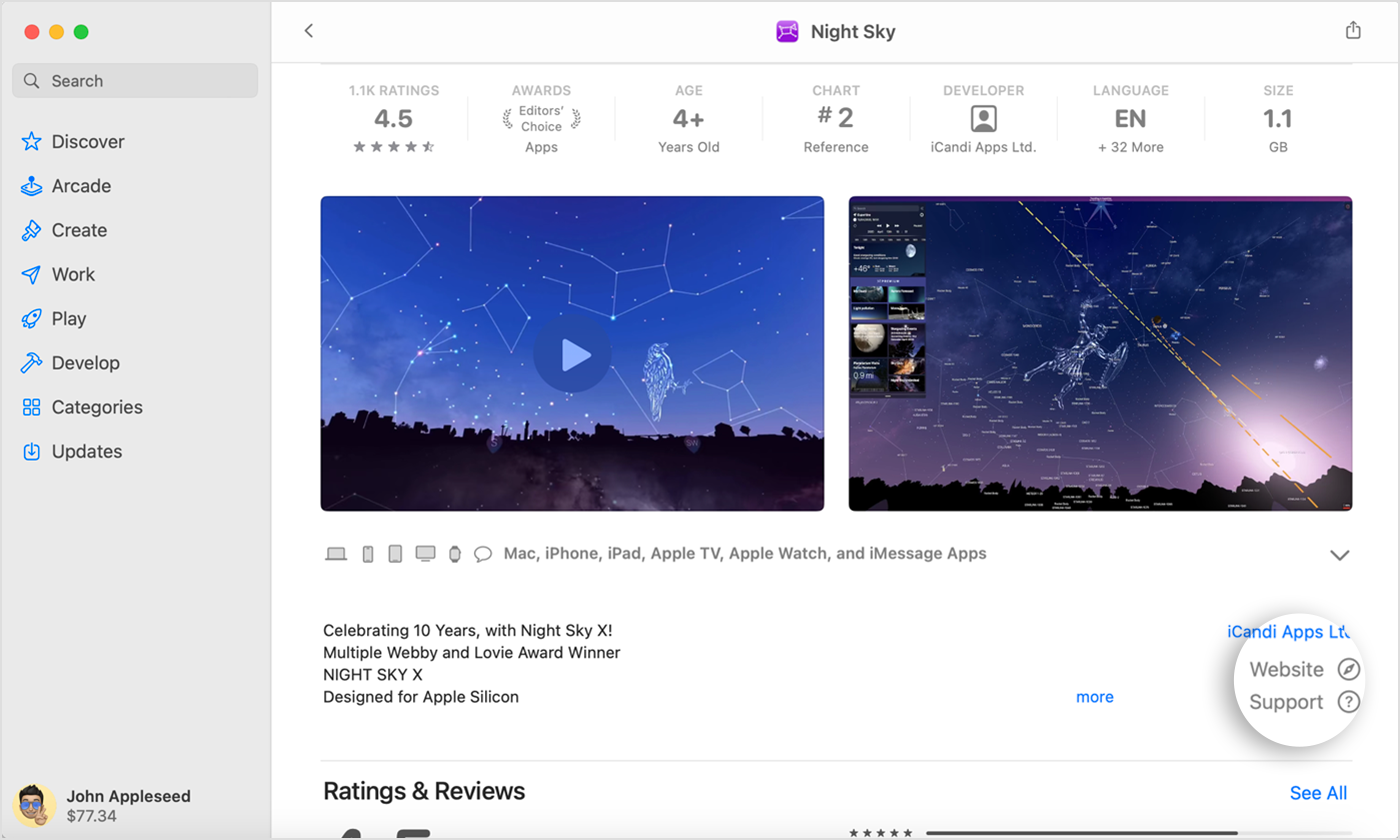
1) Open the App Store on your Mac.
2) Click the sign-in button  or your photo.
3) A list of apps appears. Click the app that you want. If you can't find the app, use the search bar.
4) The app's product page appears. Click Support or App Support. If you don't see Support or App Support, make sure that you're signed in with the correct Apple ID.
Cheers!


