Wireless charging not working

My iPhone is charging wirelessly

Posted on Feb 25, 2023 6:04 AM

Reply
Question marked as Top-ranking reply

Posted on Feb 27, 2023 10:50 AM

Hi mik144,


For help with wireless charging for your iPhone, test the steps below found in the article here: How to wirelessly charge your iPhone - Apple Support


"Charge wirelessly
  1. Connect your charger to power. Use the power adapter that came with your accessory or a power adapter recommended by the manufacturer.
  2. Place the charger on a level surface or other location recommended by the manufacturer.
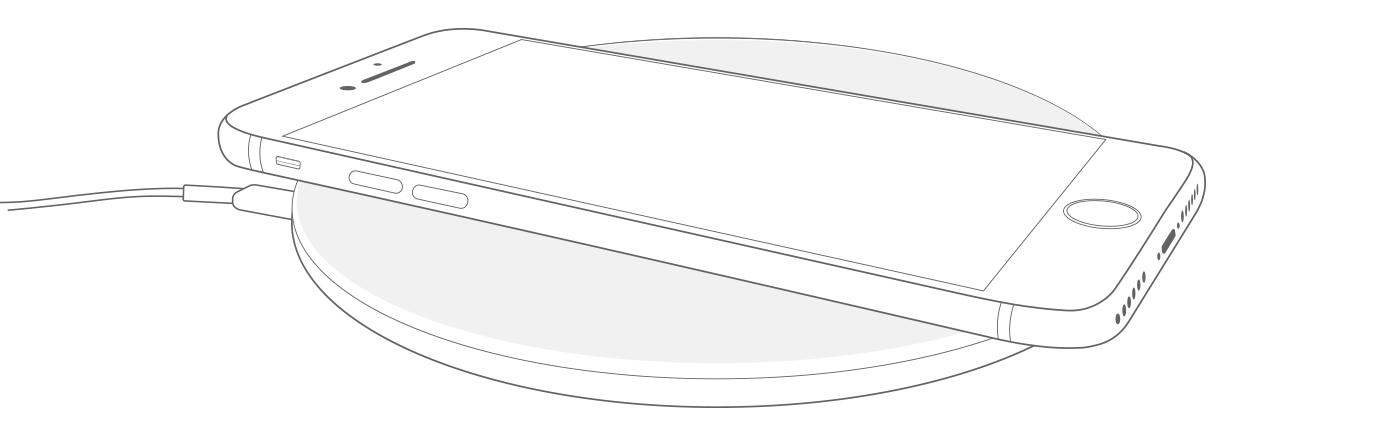
  3. Place your iPhone on the charger with the display facing up. For best performance, place it in the center of the charger or in the location recommended by manufacturer.
  4. Your iPhone should start charging a few seconds after you place it on your wireless charger.

Image shows an iPhone on a wireless charger.

You should see in the status bar."


You can also confirm that the charging you're using is certified using the link in the same article. If needed, you can find that website here as well: "View a list of Qi-certified chargers. "


You also started from a great resource: If your iPhone or iPod touch won't charge. If you've completed the troubleshooting and checked your charger is on the certified list, reach out to Apple Support directly to further assist.


Contact - Official Apple Support


Contact Apple for support and service - Apple Support


Best.


1 reply
Question marked as Top-ranking reply

Feb 27, 2023 10:50 AM in response to mik144

Hi mik144,


For help with wireless charging for your iPhone, test the steps below found in the article here: How to wirelessly charge your iPhone - Apple Support


"Charge wirelessly

  1. Connect your charger to power. Use the power adapter that came with your accessory or a power adapter recommended by the manufacturer.
  2. Place the charger on a level surface or other location recommended by the manufacturer.
  3. Place your iPhone on the charger with the display facing up. For best performance, place it in the center of the charger or in the location recommended by manufacturer.
  4. Your iPhone should start charging a few seconds after you place it on your wireless charger.

Image shows an iPhone on a wireless charger.

You should see in the status bar."


You can also confirm that the charging you're using is certified using the link in the same article. If needed, you can find that website here as well: "View a list of Qi-certified chargers. "


You also started from a great resource: If your iPhone or iPod touch won't charge. If you've completed the troubleshooting and checked your charger is on the certified list, reach out to Apple Support directly to further assist.


Contact - Official Apple Support


Contact Apple for support and service - Apple Support


Best.


This thread has been closed by the system or the community team. You may vote for any posts you find helpful, or search the Community for additional answers.

Wireless charging not working

Welcome to Apple Support Community
A forum where Apple customers help each other with their products. Get started with your Apple Account.
