Random script like files keep popping up on my MacBook Air's downloads folder

Random script like files keep popping up on my downloads folder and I can't tell if im getting hacked or if I clicked a setting to make it be like that


[Re-Titled by Moderator]

MacBook Air, macOS 13.2

Posted on Mar 3, 2023 5:20 AM

Reply
2 replies

Mar 5, 2023 1:14 PM in response to mozillagod1604

Greetings mozillagod1604,


If you delete these scripts, do more appear? Learn how to delete them:


"Delete files and folders on Mac

At any time, you can get rid of files, folders, and other items that you no longer need. You start by dragging items to the Trash in the Dock, but the items aren’t deleted until you empty the Trash.
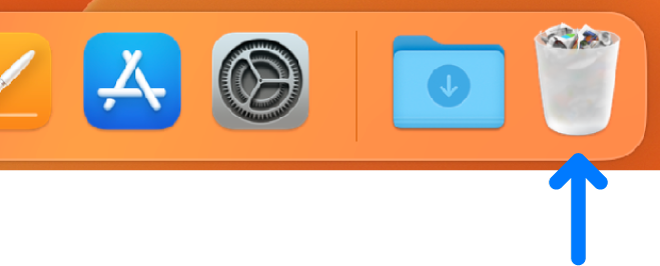
The right side of the Dock; the Trash icon is at the far right.

Note: If you turned off Time Machine or haven’t backed up your files recently, you may want to store a backup copy on a storage device, just in case you change your mind and want the item later." Delete files and folders on Mac


Also, do you notice if these files are on any other device?


Best wishes.

This thread has been closed by the system or the community team. You may vote for any posts you find helpful, or search the Community for additional answers.

Random script like files keep popping up on my MacBook Air's downloads folder

Welcome to Apple Support Community
A forum where Apple customers help each other with their products. Get started with your Apple Account.

