Erase All content and settings are not working
iPhone 12, iOS 16
iPhone 12, iOS 16
Hi Vikas_redd,
Thank you for using the Apple Support Communities! To help isolate the issue, what happens when you try the steps below:
How to factory reset your iPhone, iPad, or iPod touch
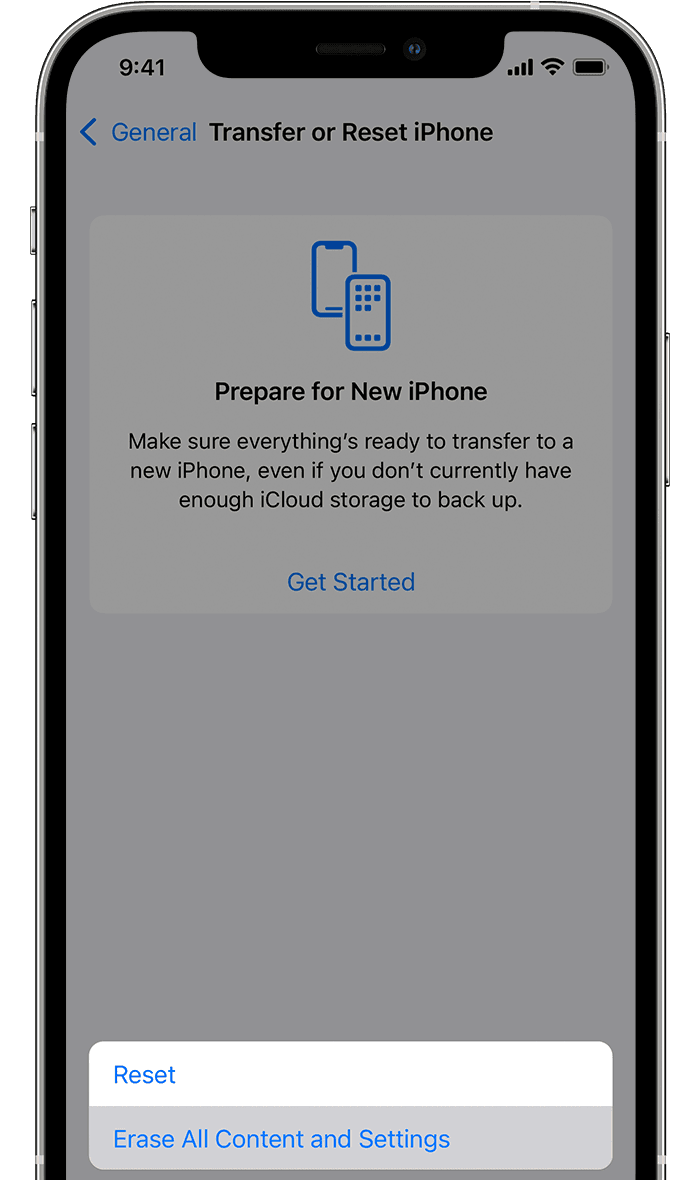
1. Tap Settings > General > Transfer or Reset [Device]
Then tap Erase All Content and Settings.
2. If asked, enter your passcode or Apple ID password
Then confirm that you want to erase your device. Forgot your passcode or Apple ID password?
3. Wait for your device to erase
Depending on your device, it can take a few minutes to completely erase your data.
Hope this helps!
Have a great day.
Erase All content and settings are not working