Hello -Brenden-,
Thanks for choosing the Apple Support Communities. It looks like you are trying to set up a watch complication that no longer exists. Using the link below, you may be able to find a workaround.
Customize the watch face - Apple Support
"Add complications to the watch face
You can add special features—called complications—to some watch faces, so you can instantly check things like stock prices, the weather report, or information from other apps you installed.
- With the watch face showing, touch and hold the display, then tap Edit.
- Swipe left all the way to the end.
- If a face offers complications, they’re shown on the last screen.
- Tap a complication to select it, then turn the Digital Crown to choose a new one—Activity or Heart Rate, for example.
- When you’re finished, press the Digital Crown to save your changes, then tap the face to switch to it.
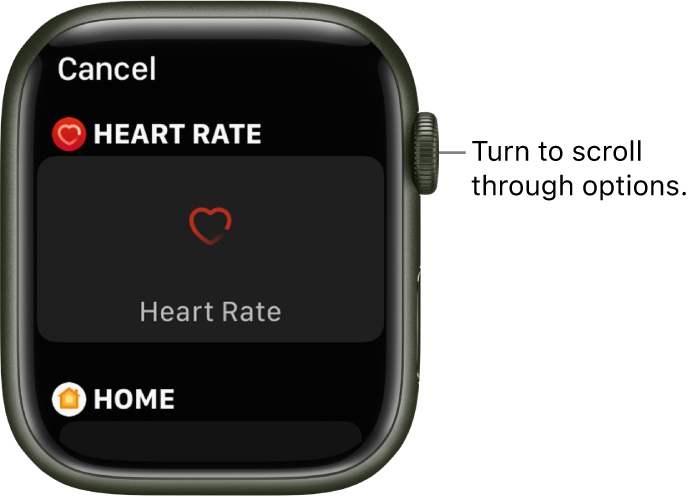
Some apps you get from the App Store also include complications."
If you're unable to find a workaround, we suggest submitting a feature request or product feedback by following this link: Feedback - Watch - Apple
We hope this helps.
Cheers!


