Thanks for posting in the Apple Support Communities Distraught2021,
- Go to Settings > Bluetooth and make sure that Bluetooth is turned on.
- On the same screen, find your Apple Pencil under My Devices. If you find it, tap
 . Then tap Forget this Device.
3: "Attach your Apple Pencil to the magnetic connector on the side of your iPad, like this:
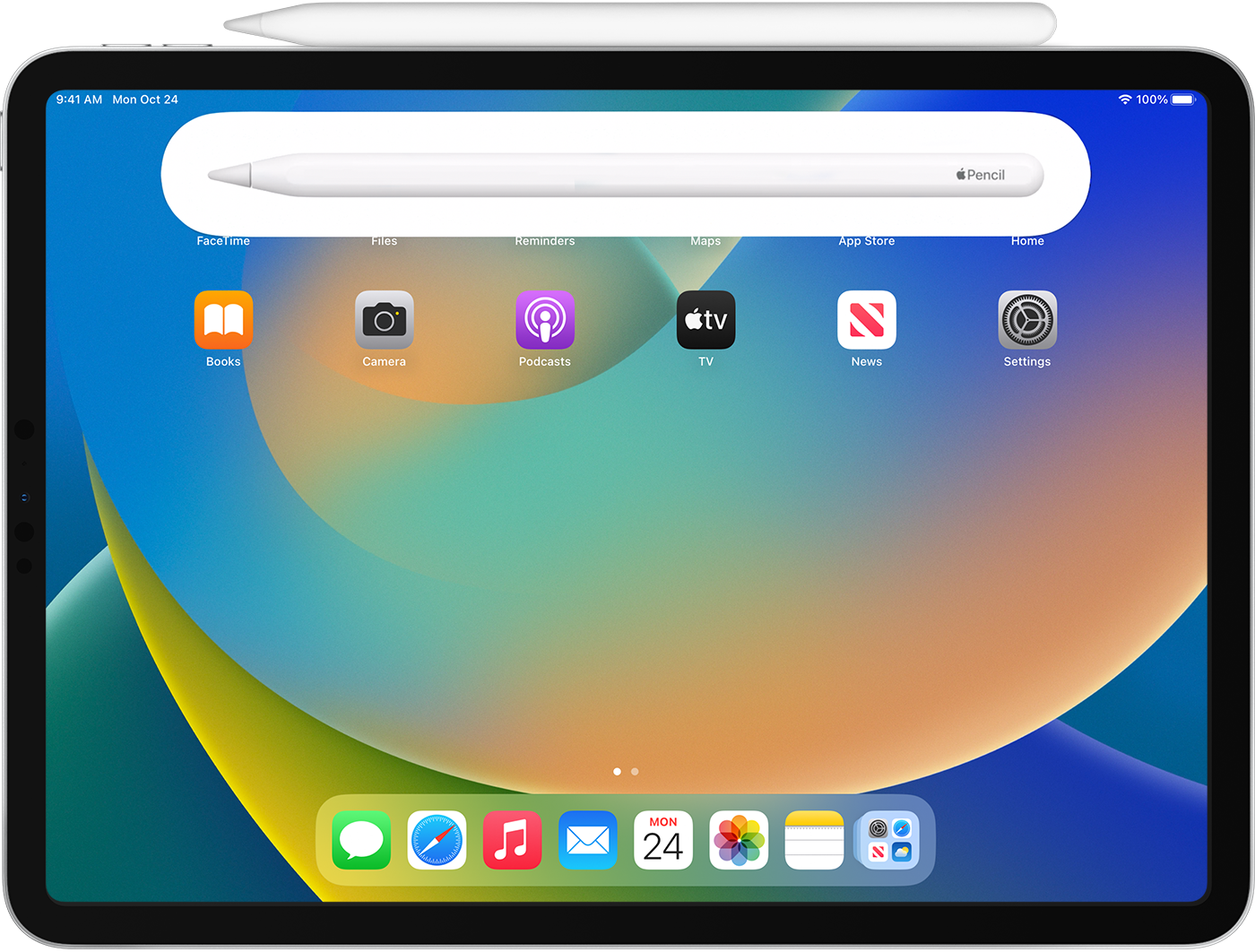 "
"
Pair Apple Pencil with your iPad
While someone else pairing your Apple Pencil with their device, would not allow them any access to your iPad or Apple ID data, if you have concerns that your Apple ID is compromised, the following page provides guidance you can use to regain control of your account, and ensure you're the only one able to access it: If you think your Apple ID has been compromised
We hope this helps!



