Save to files not showing as option on Actions list, Favorites, or suggestions

My files app used to be an option to select when saving files. Now the files app folder is no longer in my share options list on my iPhone or iPad.. just an fyi My iCloud Drive is on. I was able to upload and share to my file app folder before and it was an option, and now for some reason it is completely gone on my iPhone and iPad. .

Posted on Mar 6, 2023 7:55 AM

Reply
3 replies

Mar 7, 2023 6:04 PM in response to Neddie

Hello Neddie,


Thank you for reaching out to Apple Support Communities.


Are you still able to locate the Files app using these steps:


"How to find your files in the Files app

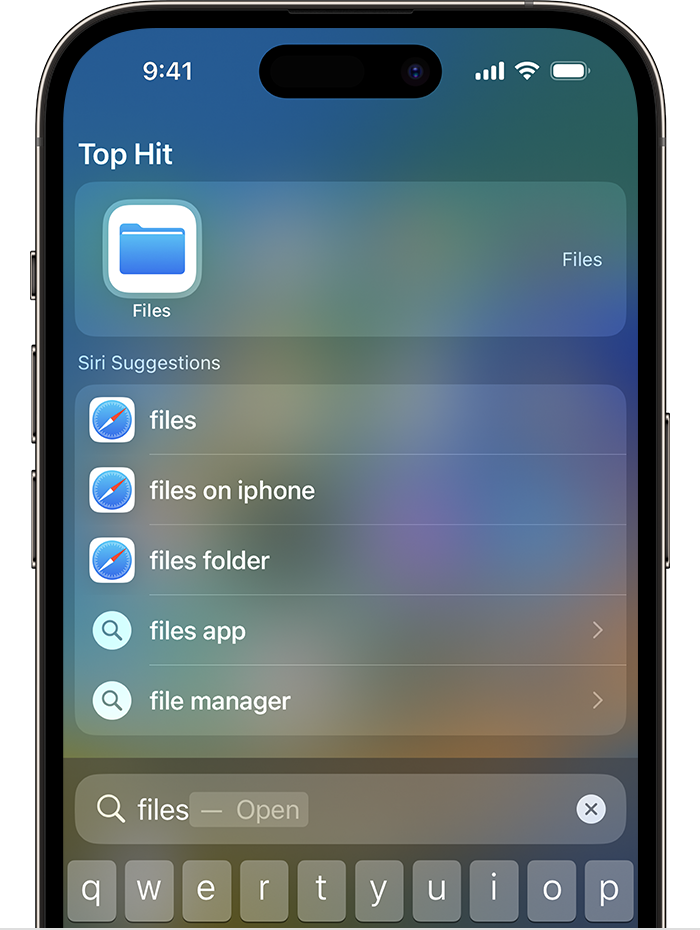
  1. On your iPhone or iPad, open the Files app. Don't see the blue Files app icon on your Home Screen? Just swipe down, then search for the Files app.An image of Search on an iPhone. The Files app icon is listed under Top Hit at the top of the screen.
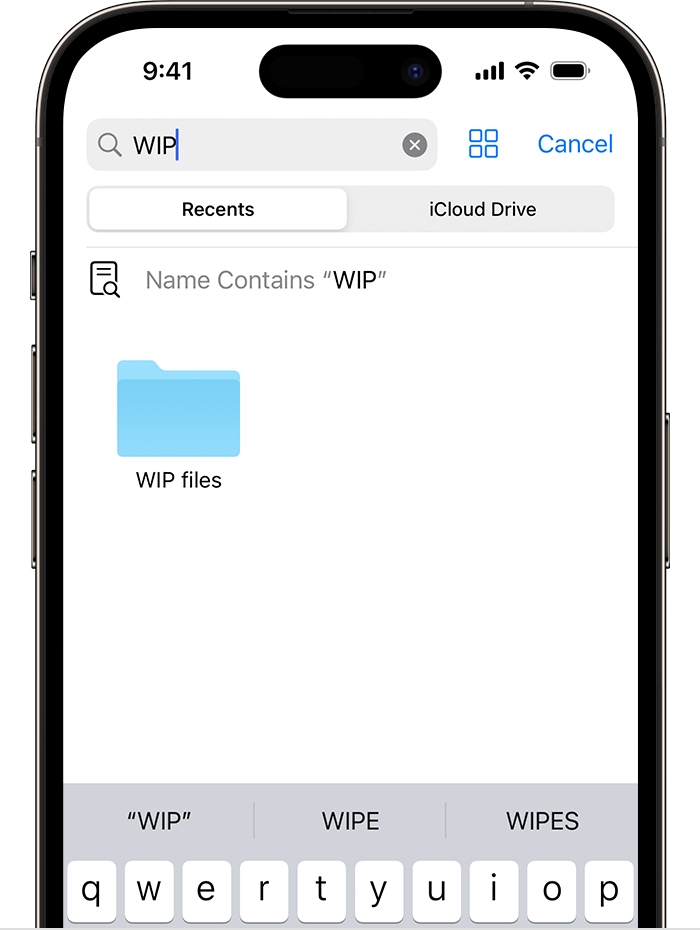
  2. In the Files app, search or browse for the file that you want.

An image of the Files app on iPhone showing a search for "WIP" and a "WIP files" folder icon onscreen below. "


More details can be found here: Find files on your iPhone or iPad in the Files app


If so, what happens when you attempt to Save a file? Are you able to edit the available options? Also, what is your exact iOS and iPadOS versions?


Cheers!

This thread has been closed by the system or the community team. You may vote for any posts you find helpful, or search the Community for additional answers.

Save to files not showing as option on Actions list, Favorites, or suggestions

Welcome to Apple Support Community
A forum where Apple customers help each other with their products. Get started with your Apple Account.