Messenger messages disappeared on my mac
Why did my messages on Messenger disappear on my MAC?
Why did my messages on Messenger disappear on my MAC?
Hello NancyCRisk,
If you're using Time Machine for backups of your Mac then you may find some steps and info here that can help with restoring from that: Restore items backed up with Time Machine on Mac - Apple Support
1. On your Mac, open a window for the item you want to restore.
For example, to recover a file you accidentally deleted from your Documents folder, open the Documents folder.
If you’re missing an item from the desktop, you don’t need to open a window.
2. Use Launchpad to view and open apps on Mac and open Time Machine (in the Other folder). A message may appear while your Mac connects to the backup disk.
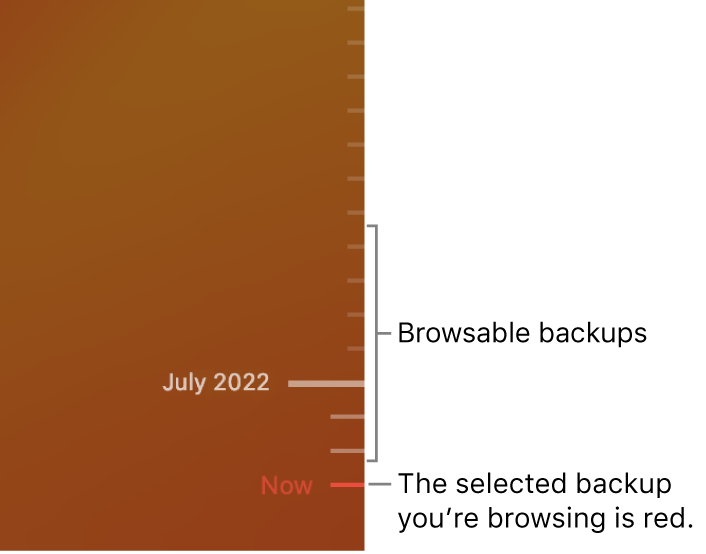
3. Use the arrows and timeline to browse the local snapshots and backups.
If you see a pulsing light to semi-dark gray tick mark, it represents a backup that’s still loading or validating on the backup disk.
4. Select one or more items you want to restore (these can include folders or your entire disk), then click Restore.
Restored items return to their original location. For example, if an item was in the Documents folder, it’s returned to the Documents folder.
If that hasn't helped or you don't have a backup of the Mac, then you may also reach out for help with the Messenger app from the developers of that app. We were able to help locate their support page here: Messenger Help Center
Cheers.
Messenger messages disappeared on my mac