Accidentally activated "remove old messages to clear up storage"
I was going through my storage the other day and i from time to time go in there to clean up big files that has been sent. But i miss-clicked and i toggled that "Remove old messages to free up space". Now that function is gone from the Storage settings.
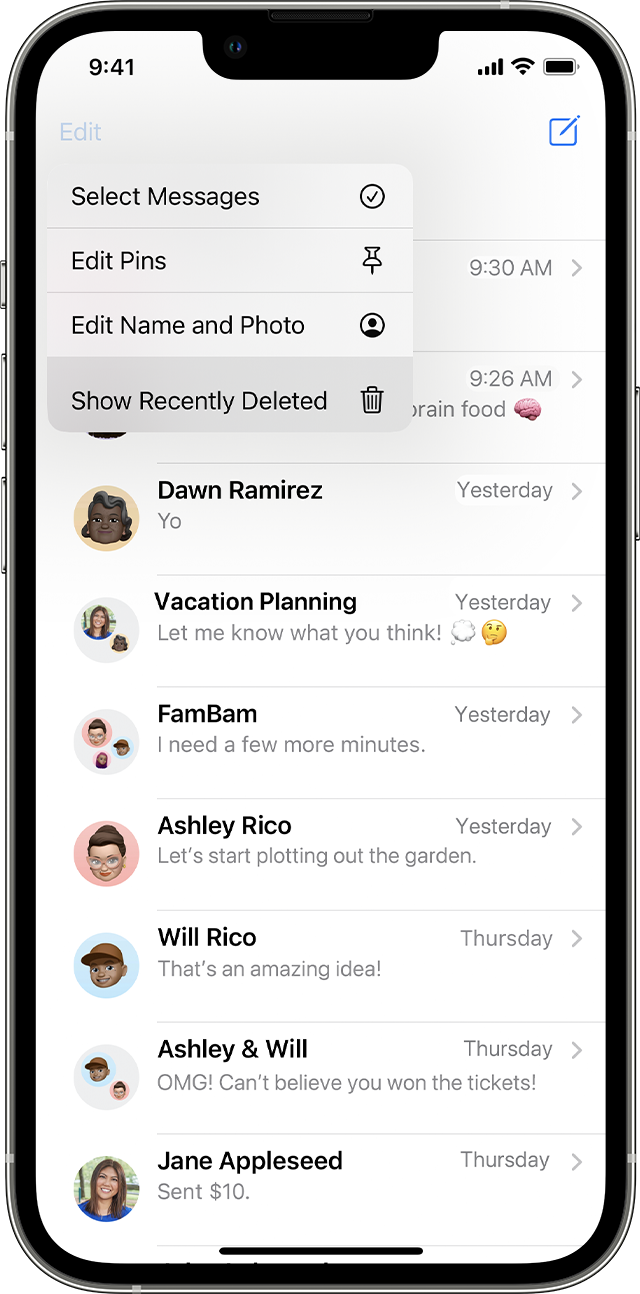
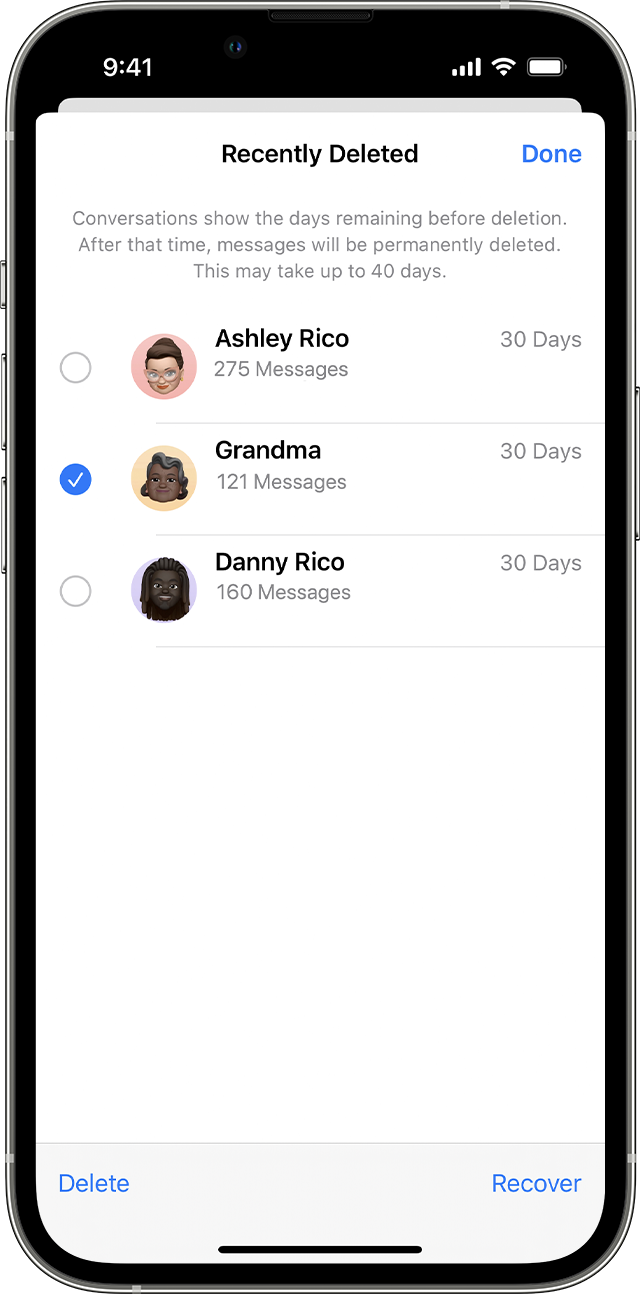
Every message (about 60gb) i have sent and recieved from 2009 has been removed from my iPhone (up until march last 2022). How do i get them back? How is it possible there would be no extra warning message before it just starts deleting all messages??
iPhone 12 Pro


 .
.